
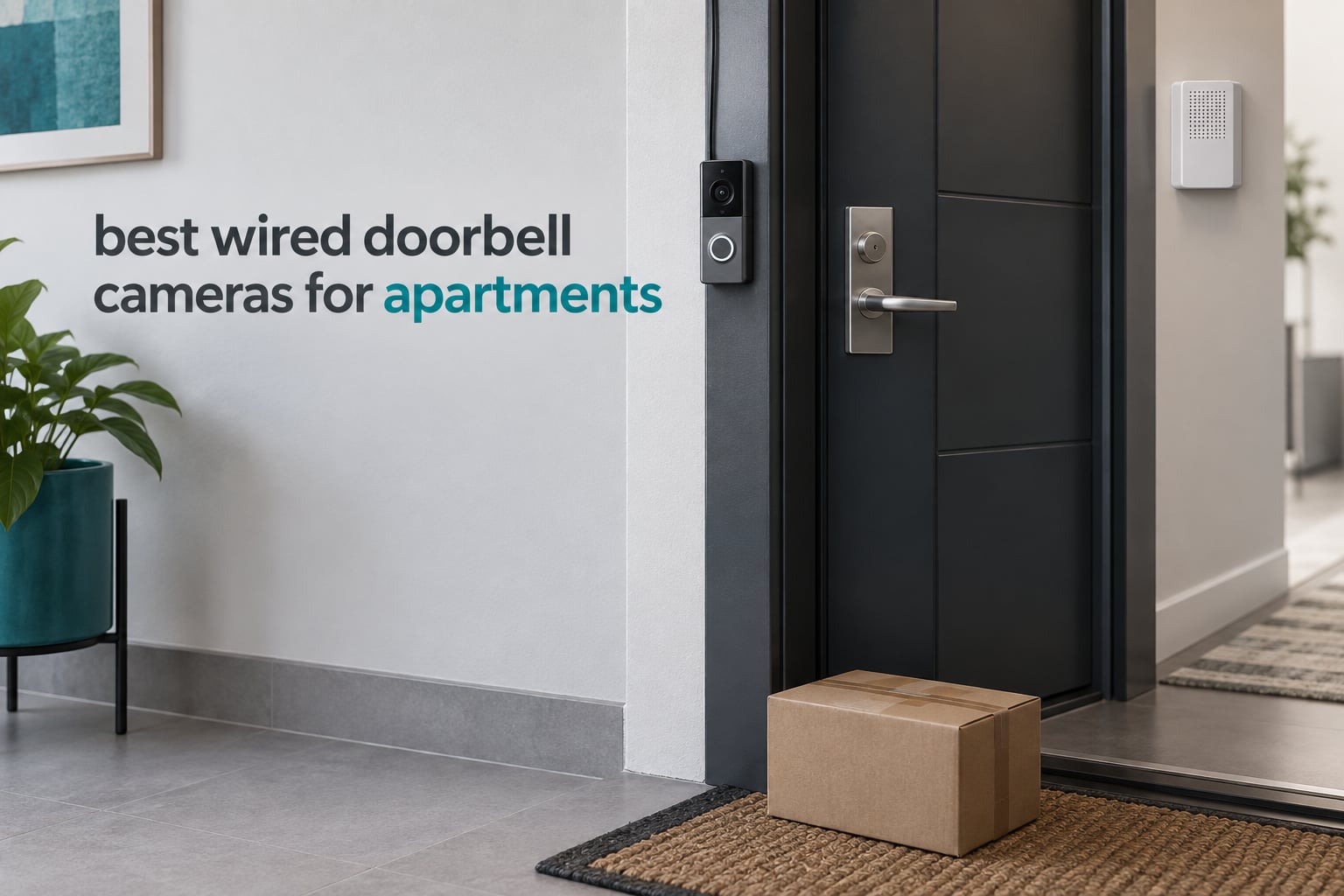
Most apartment dwellers do not have doorbell wiring, and the ones who do usually find out only after the box is open. That single fact shapes everything below, so we start with the honest answer: yes, you can have a doorbell camera in an apartment, and in most jurisdictions you are on solid ground recording the threshold of your own home, but your lease may still require written landlord consent before you drill a single hole.
That is the sequencing most roundup articles get wrong. They open with a ranked list and bury the permission question in a FAQ. We have used these ten wired doorbell cameras, and permission plus wiring decide whether a model works at all, so we put those two checks in front of the rankings instead of behind them.
Everything in this guide is hardwired-capable. We excluded battery-only models on purpose, because a wired unit draws continuous power from your existing low-voltage transformer, never needs charging, and cannot be carried off for its battery. Three models here are dual-power, meaning they will also run on a built-in battery if your unit has no wiring, and we flag each one. If you want the wider field of view comparison rather than the apartment angle, our broader video doorbell camera guide covers battery models too.
Last updated September 2026. We compared all ten units on resolution, field of view, power requirements, chime support, storage model, weather rating and WiFi band, and we read the owner reviews closely enough to know where the recurring complaints sit.
Top 3 Picks for Apartment Doorways in September 2026

eufy E340 Dual Camera
- Dual camera head-to-toe and package view
- 2K with color night vision
- 8GB local storage
- no subscription
- Wired or battery power
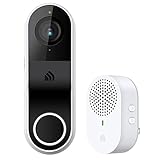
Kasa KD110 with Chime
- Hardwired 16-24V AC power
- 2K at 160 degree field of view
- Bundled loud plug-in chime
- microSD recording
- no monthly fee

Wyze Wired Doorbell v2
- Slim 2K head-to-toe body
- Color night vision
- IP65 weatherproofing
- Voice deterrence prompt
- Local microSD optional
Our default pick is the eufy E340 because it is the only model here that shows a visitor and a parcel in the same frame without a subscription. The Kasa KD110 wins on completeness for renters who want a chime in the box, and the Wyze v2 is the narrowest body we measured, which matters when your door is 2 inches from the frame.
The 60-Second Wiring Check Every Renter Should Run First
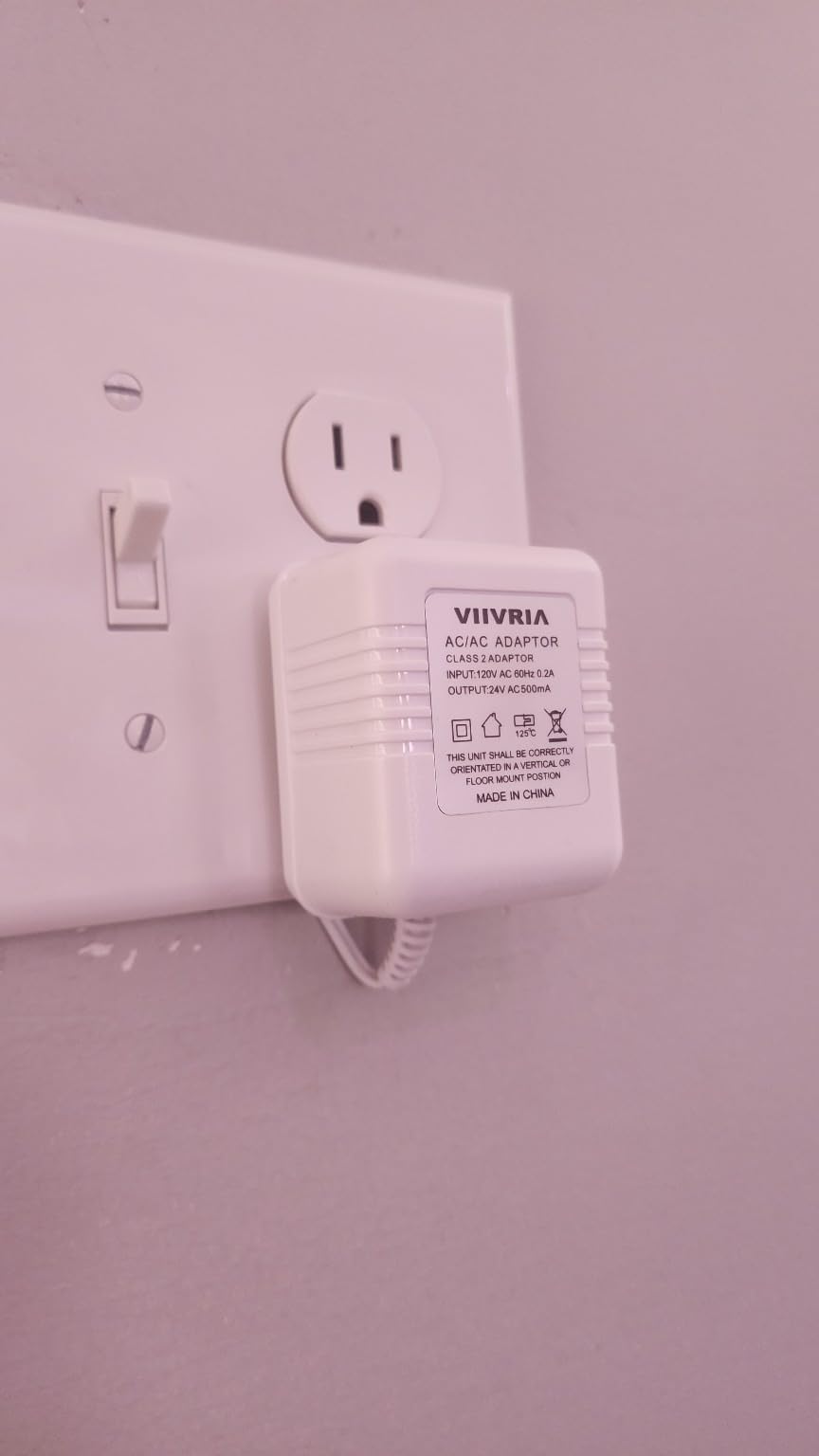
Find the transformer. In most buildings it sits in a hallway closet, a utility closet near the meter, or above the panel. Press the existing doorbell button and listen for a chime anywhere in the unit. If you hear one, you have a working transformer and two-wire run already in place.
Check the voltage label. Wired video doorbells need 16V-24V AC, and models that draw power for infrared illumination or a chime connector ask for more headroom. The eufy S330 specifies 16-24V at 30VA, the ecobee asks for 16-24V AC at 10VA minimum, and the Wyze v2 requires 16-24V AC at 10VA minimum. A 1970s transformer with a faded label is the most common reason a wired doorbell fails to power up.
Install the jumper wire. Most older chime units have a loop that the button closes. The included jumper bridges it so the chime stops buzzing while the camera takes over, and the Kasa KD110 ships with two of them. Owners who skip this step report the camera repeatedly dropping off the network, which reads as a WiFi fault but is not one.
If there is no button and no chime anywhere in the unit, you have three honest options: ask the property manager to run a transformer and two-wire cable to your door, buy a plug-in power adapter if the nearest outlet is within reach of the door, or reconsider a battery model. A wired camera on a long extension cord down a hallway is not a good security investment, because you are one hallway away from covering nothing in particular.
All 10 Wired Doorbell Cameras Compared in September 2026
| Product | Specs | Action |
|---|---|---|
| eufy E340 Dual Camera 2K |
|
Check Latest Price |
| Kasa KD110 2K Hardwired |
|
Check Latest Price |
| Wyze Wired Doorbell Camera v2 |
|
Check Latest Price |
 Reolink Video Doorbell WiFi 2K Reolink Video Doorbell WiFi 2K |
|
Check Latest Price |
 Google Nest Doorbell Wired Google Nest Doorbell Wired |
|
Check Latest Price |
 Ring Wired Doorbell 2K Ring Wired Doorbell 2K |
|
Check Latest Price |
 eufy S330 Wired with Chime eufy S330 Wired with Chime |
|
Check Latest Price |
 Tapo D225 2K+ Doorbell Tapo D225 2K+ Doorbell |
|
Check Latest Price |
 Arlo Video Doorbell 2K 2nd Gen Arlo Video Doorbell 2K 2nd Gen |
|
Check Latest Price |
 ecobee Smart Video Doorbell ecobee Smart Video Doorbell |
|
Check Latest Price |
Two columns in that table deserve a second look before you scroll on. Only the Nest Doorbell is IP54 rather than IP65, which rarely matters on a sheltered apartment door but does in an uncovered exterior corridor. And only the Reolink offers dual-band WiFi, a real advantage when your building router is congested.
1. eufy E340 Dual Camera 2K – Head-to-Toe and Package View on One Unit
eufy Security Video Doorbell E340, Dual Cameras, 2K FHD
Dual 2K cameras
160 degree view
8GB local storage
2.4GHz WiFi
IP65
Pros
- Two cameras cover visitors head-to-toe and packages on the ground
- No subscription with 8GB eMMC on the unit
- Color night vision rated to 16 feet
- Works on existing apartment wiring or on its battery
- Includes a 15 degree mount adapter
Cons
- Needs a separate eufy MiniBase Chime to hear the bell indoors
- App is cluttered with promotions and manual setup steps
- Notifications can lag behind a visitor leaving
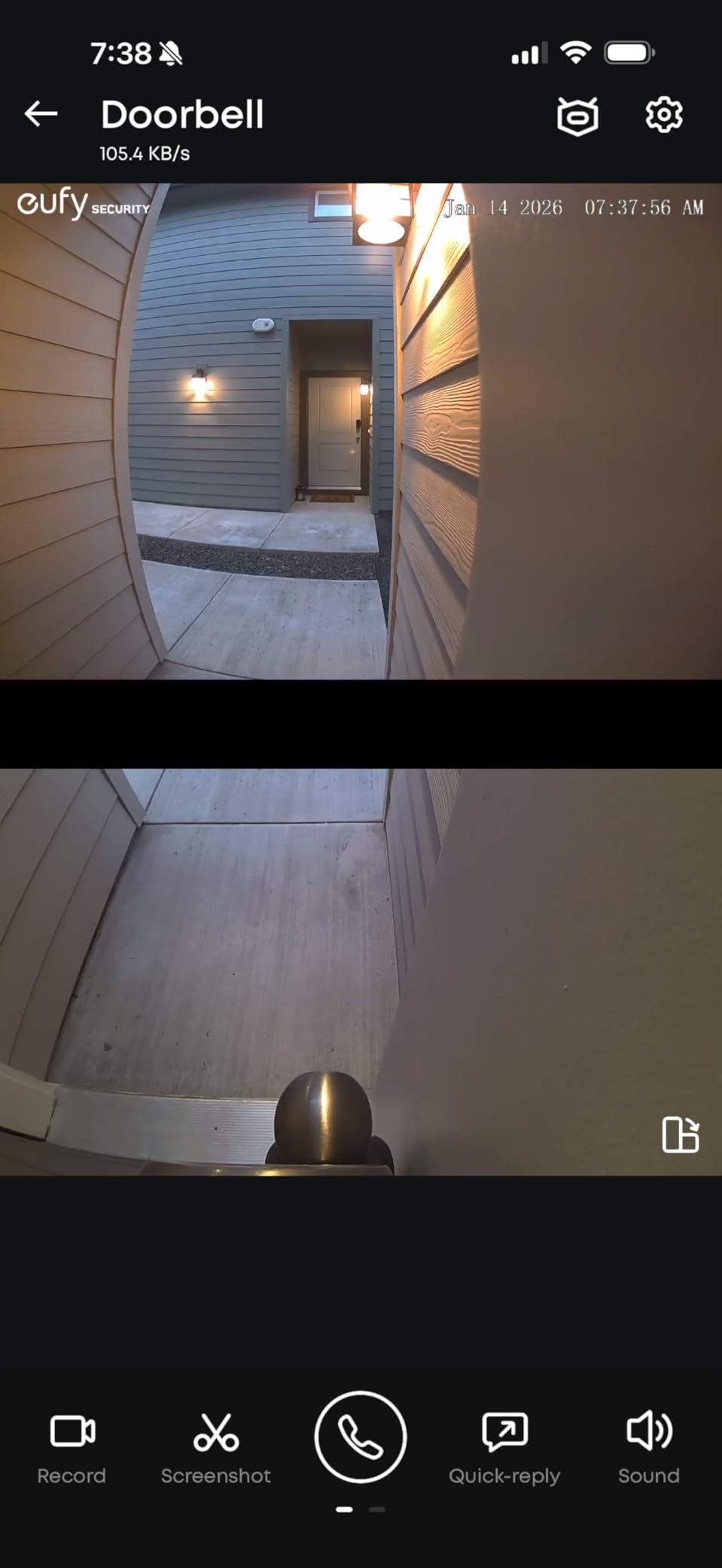
The dual-camera layout is the reason this is our first pick for an apartment. One lens sits high and angled to catch a face, the second points down at the mat where couriers leave parcels. In a narrow corridor, that split view is the difference between a headless torso in frame and a usable clip.
It runs on existing doorbell wiring or on its own battery, which makes it the safe recommendation for a renter who is not yet sure whether wiring reaches their door. The unit weighs 1.1 pounds and measures 5.91 by 2.03 by 1.11 inches, so it is a normal doorbell footprint rather than something a building manager will question.
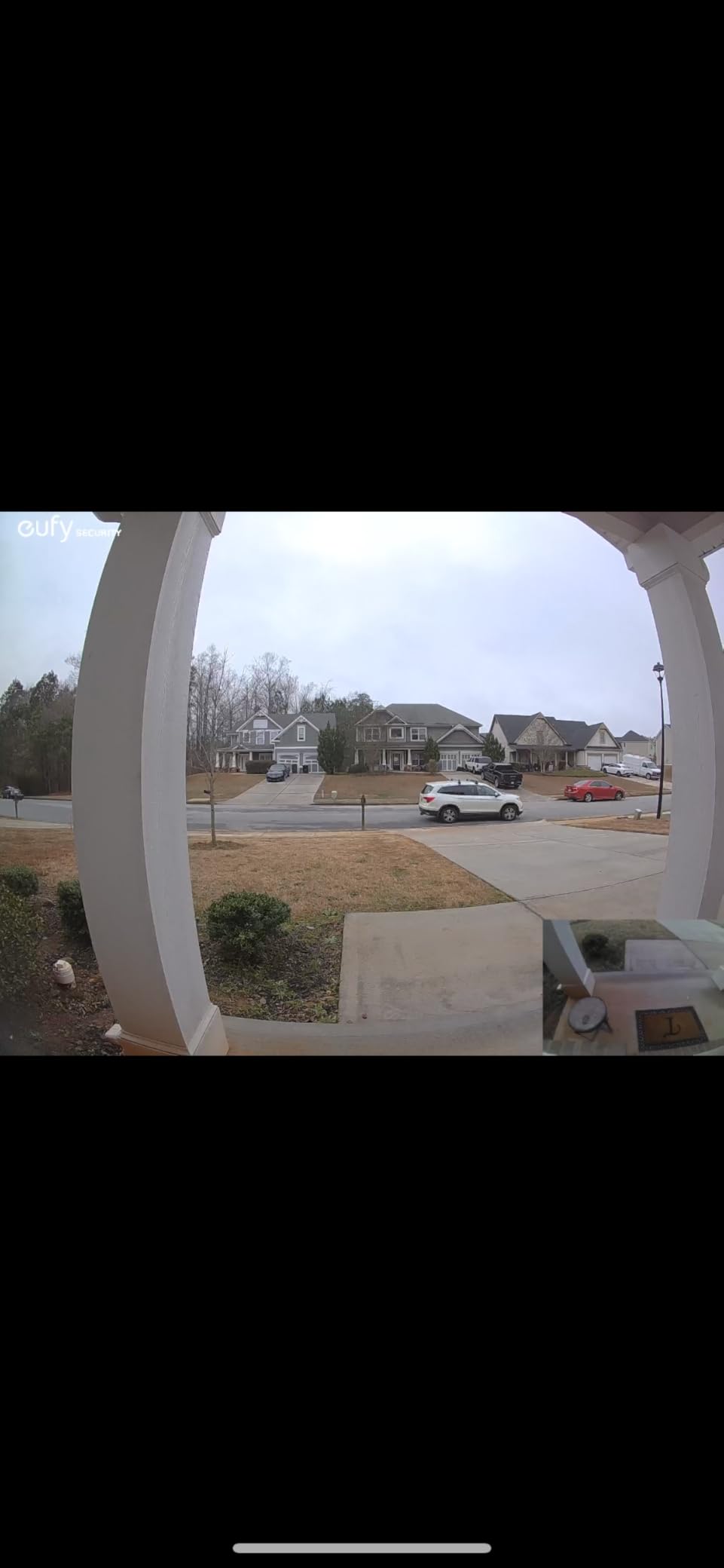
Storage is 8GB of eMMC built into the doorbell itself, with no monthly fee for recording and alerts. That matters for renters who do not want to hand video of their own doorway to a cloud company indefinitely, and it is why the E340 holds the largest review count in this group at more than 4,300 owner ratings.
The weak point is audio indoors. This doorbell will not drive the chime that already exists in your unit; it needs a separate eufy MiniBase Chime plugged into a wall socket. Owners also report slower notification delivery than some rivals, and an app that requires manual time zone and doorbell configuration before it behaves.
Who it suits in an apartment
Pick the E340 if your building already has a working doorbell transformer and your real worry is parcel theft alongside visitor screening. A renter on a ground floor or with a balcony-accessible entry gets the most from the downward camera, because that is where a package ends up.
It is also the pick if you are in a Google Home or Alexa household and want the camera to feed a display without a subscription attached. The listed integrations are Alexa, Google Assistant and smartphone, and the HomeBase 3 is listed as a controller type.
Where it will frustrate you
Renters who want a physical sound inside the unit should look elsewhere, since the bundled box contains no chime. People on saturated building WiFi may find notification lag eats into the benefit of a dual view, because the radio is 2.4GHz only.
Direct sun on an uncovered exterior corridor is the other weak spot. Owners in full afternoon sun report overheating shutdown notifications, and the narrower framing does not reach as far down a walkway as some competing lenses.
2. Kasa KD110 2K Hardwired – the Complete Kit for Renters Who Want a Chime
Kasa 2K Smart Video Doorbell Camera Hardwired w/Chime, KD110
Hardwired 24V AC
2K 3MP still, 1296p video
160 degree view
30ft night vision
IP64
Pros
- Chime is in the box and loud enough for a whole unit
- Lowest outlay of any complete hardwired kit
- Quick install on standard 16-24V AC wiring
- microSD recording removes any paid plan
- 15 degree mounting wedge included
Cons
- Existing mechanical chimes are not supported
- Without the jumper wire the unit drops off the network repeatedly
- App sometimes shows the doorbell offline while it is still recording
Most apartment complaints about doorbells are really complaints about not hearing one. The KD110 answers that directly: a plug-in chime ships in the box, you put it in any room you like, and it has multiple tones with volume control. Owners consistently call it loud.
It draws power from 16-24V AC doorbell wiring and mounts with two screws. The body is 5.12 by 1.77 by 1.08 inches and weighs just over 7 ounces, which keeps it within the compact range most building appearance rules expect.
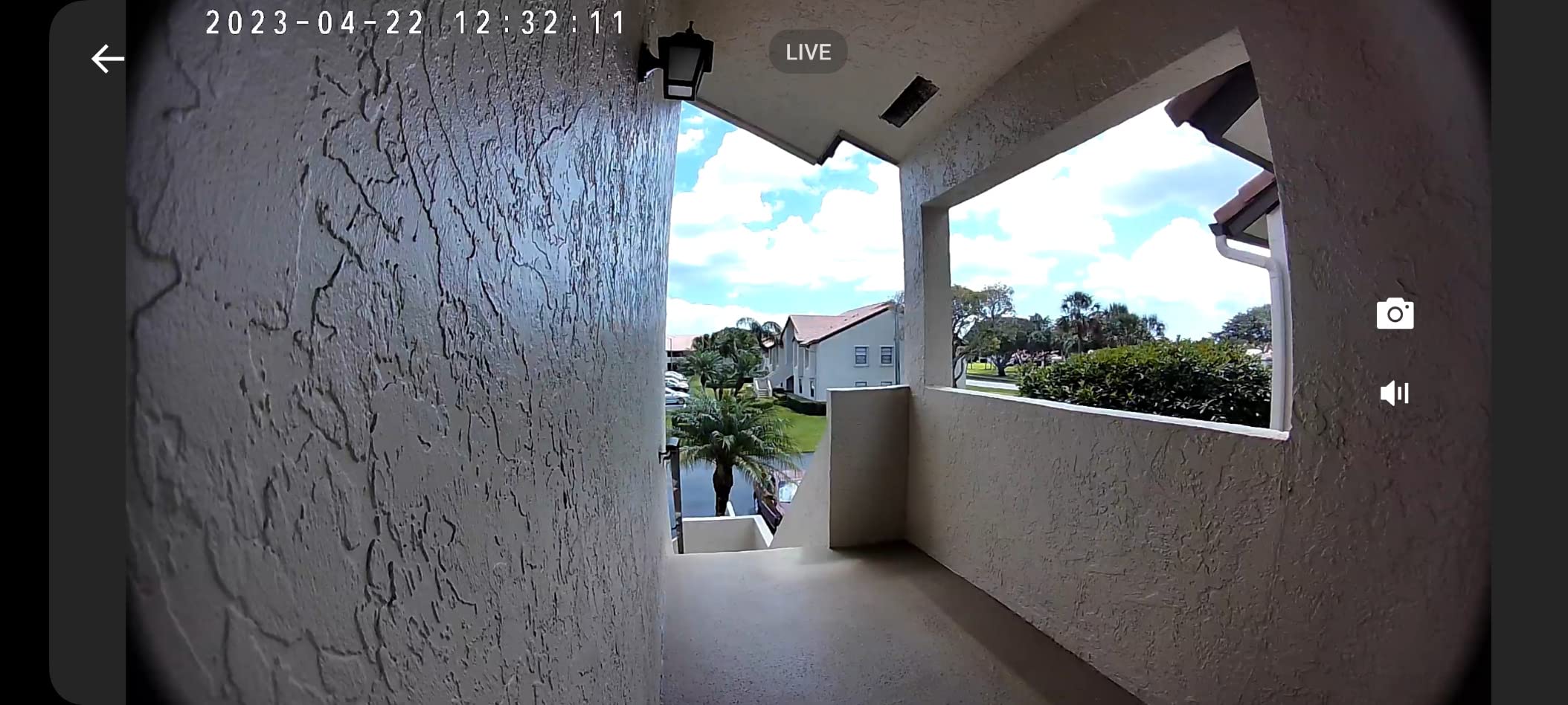
Image quality is 2K on the still sensor at 3 megapixels with 1296p video capture at 15 frames per second. Night vision is colour to 30 feet, the longest rated night range in this group alongside the ecobee, and the 160 degree field of view covers a standard doorway plus its immediate surroundings.
Recording runs to a microSD card, with 128GB supported and up to 256GB on the later version. A Kasa Care cloud plan is optional rather than required, so basic recording and alerts work with no monthly charge.
Who it suits in an apartment
This is the pick for a first-time renter who wants a working, ringing, recording doorbell with one box and one afternoon. If your unit has a buzzer you can hear but never see, the bundled chime replaces the guesswork and the jumper wires make the swap predictable.
It suits small units where the router is close to the front door, since the radio is 2.4GHz only and reliable at short range. It also works for anyone who has already committed to Tapo and Kasa devices in the same phone app.
Where it will frustrate you
The chime is not optional. This unit cannot ring the mechanical chime already in your wall, so if you live in a building where the buzzer is shared or intercom-linked, the indoor sound has to come from the plug-in unit in your own home.
Playback is the other limitation. SD card recording is continuous-only with coarse five-minute steps, and motion zone tuning is limited enough that passing vehicles can still trigger alerts. The app has also been reported to show the doorbell as offline while it is in fact recording.
3. Wyze Wired Doorbell Camera v2 – the Narrowest Body for a Tight Hallway
WYZE Wired Doorbell Camera v2(Existing Doorbell Wiring Required), 2K HD
2K head-to-toe video
Color starlight night vision
16-24V AC 10VA
IP65
2.9 x 1.4 in face
Pros
- Slim 2.9 by 1.4 inch face fits narrow door frames
- Continuous power from existing wiring
- Voice deterrence warns visitors they are recorded
- 2K head-to-toe capture with colour night vision
- Local microSD recording available without a subscription
Cons
- Will not work at all where no doorbell wiring exists
- The microSD card is sold separately
- No chime included
- so you may need an indoor unit
Form factor is the story here. At 2.9 by 1.4 inches across the face and 7 ounces, this is one of the least intrusive bodies we measured, and for a renter whose door sits between a wall and a narrow frame that difference decides whether the camera fits at all.
It is strictly a wired unit. The power requirement is listed as 16-24V AC with a 10VA minimum, and installation type is hardwired to existing doorbell wiring and chime, so this is not the model to buy before the 60-second check above.
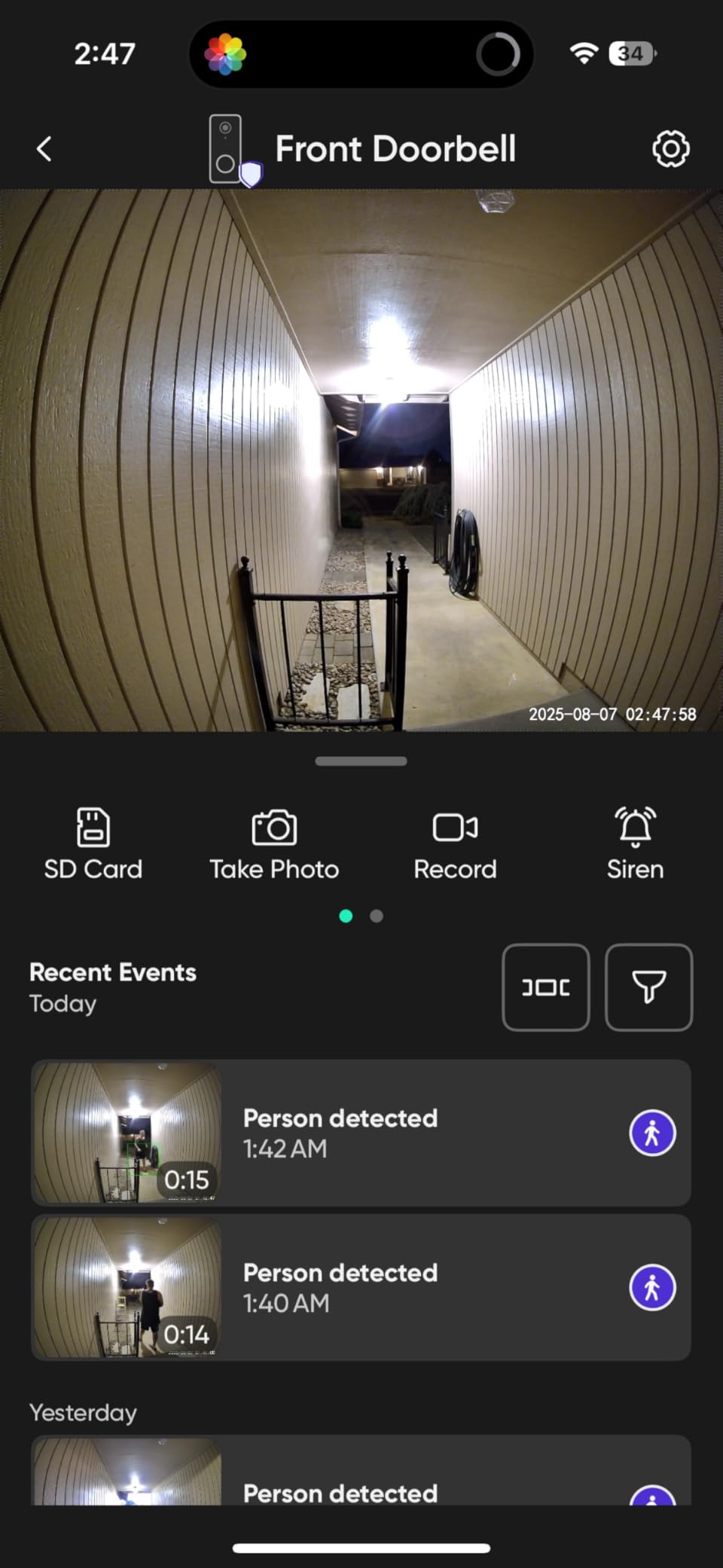
The sensor delivers 2K head-to-toe video with colour night vision from a starlight sensor rather than infrared, which is why the night footage stays legible in a dim corridor. Two-way audio runs through the app talk button, so you can answer a visitor from inside.
Two less obvious features suit apartment life. A voice deterrence prompt tells a visitor they are being recorded, and visitor plus package notifications arrive as labelled alerts rather than a generic motion ping.
Who it suits in an apartment
Choose the Wyze v2 when door space is the binding constraint, or when you want continuous hardwired coverage with no plan attached. Recording is 24/7 local on a microSD card you add yourself, and the IP65 rating handles an exposed exterior door.
It is also a good fit for a renter replacing an older wired button on a building that already has working chime wiring, since it is designed to sit on exactly that wiring rather than fight it.
Where it will frustrate you
There is no chime in the box and the unit will not drive a mechanical chime, so a renter who wants a physical sound indoors needs to add a plug-in unit separately. The microSD card is also sold separately, which means local recording is an extra purchase rather than an included feature.
If your unit has no wiring at all, this is the wrong doorbell. It has no battery fallback, and that is a deliberate design choice rather than an omission.
4. Reolink Video Doorbell WiFi 2K – the 4:3 Frame That Shows a Whole Visitor
REOLINK Video Doorbell WiFi 2K Wired Camera, 4:3 Wide View Outdoor Camera
2K with 5MP sensor
4:3 at 180 degrees
Dual-band WiFi
12-24VAC or 24V DC
IP65
Pros
- 4:3 aspect ratio captures visitors head-to-toe and packages on the ground
- Only dual-band 2.4GHz and 5GHz radio in the group
- Local microSD
- NVR and FTP backup with no mandatory plan
- Chime V2 included with 10 tunes and volume control
- Person
- vehicle and package zones with detailed filtering
Cons
- Weak WiFi radio that can drop from the network
- Answering a ring can disconnect the unit from WiFi
- Cannot ring an existing mechanical chime
- Bulky mounting plate with little wire slack for flush fits
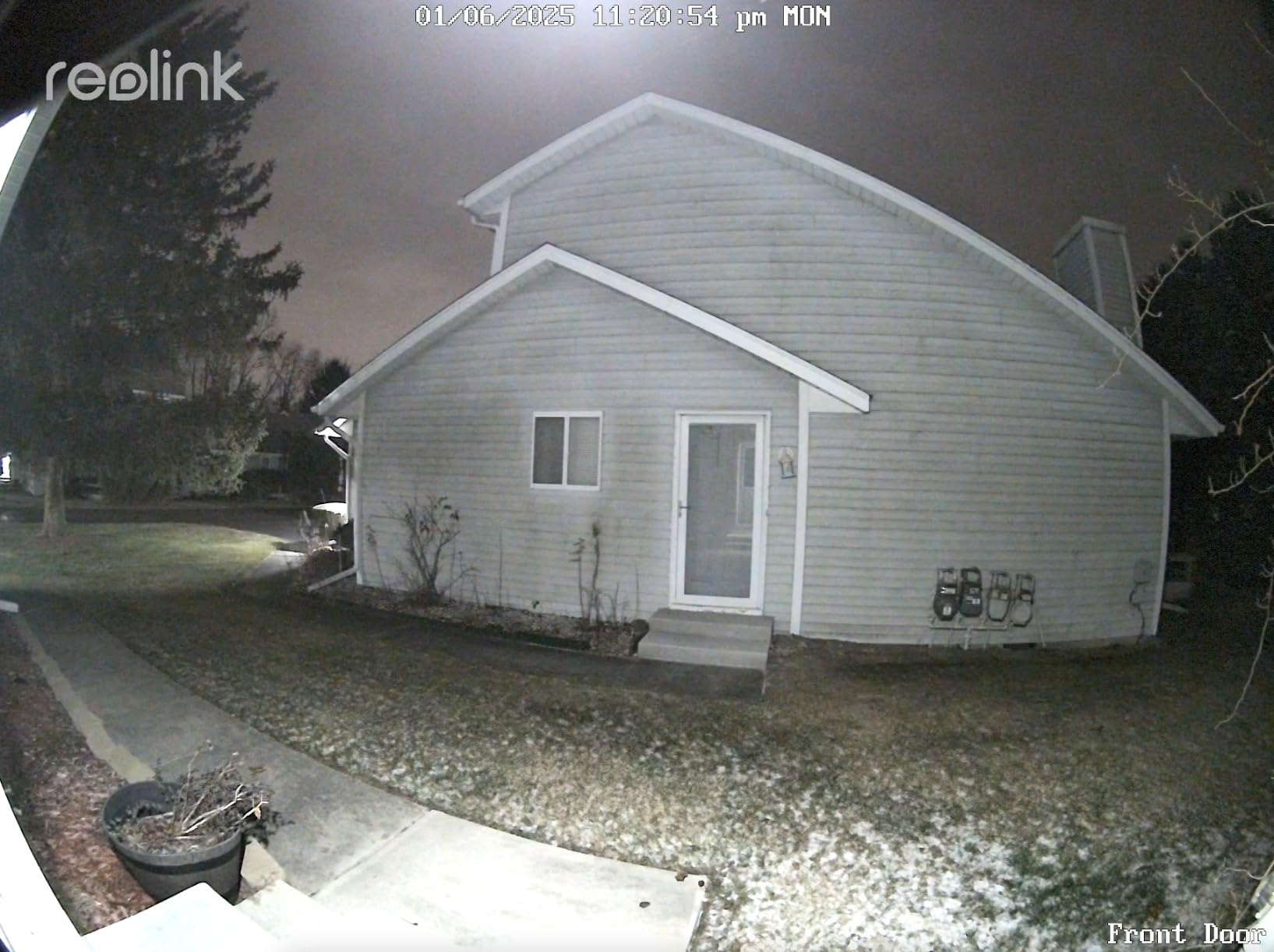
The 4:3 aspect ratio is the differentiator. A standard doorbell lens is roughly square, which crops a standing adult at the waist. This one covers 180 degrees on a taller frame, so a visitor from shoes to head fits in a single clip without digital cropping.
It is also the only model here with both 2.4GHz and 5GHz WiFi. Apartment networks are often crowded with neighbouring units sharing a band, and the ability to pin the camera to the cleaner band is a real answer to the dropouts renters report in concrete buildings.
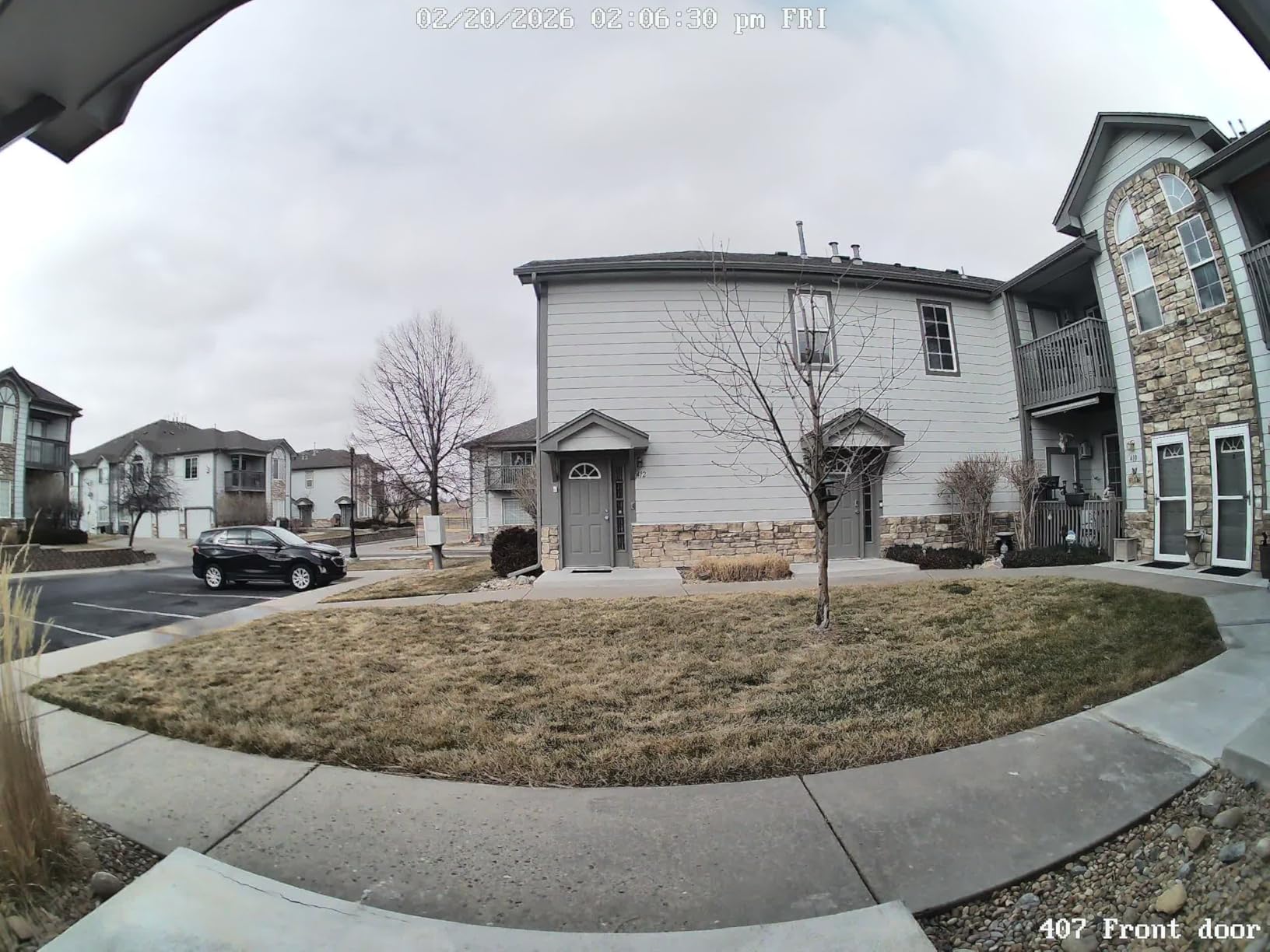
Storage is fully local by choice. A microSD card, an NVR on your own network, or FTP backup all work without a subscription, and a free notification plan is available if you want push alerts with no payment.
Power comes from 12-24VAC at 50/60Hz or 24V DC, and the box includes a power adapter plus cabling, so it is one of the few in this list that can be installed in a unit with no existing wiring at all.
Who it suits in an apartment
Pick the Reolink if you want nothing in the cloud and you run a local smart home setup. It works with Home Assistant and Apple HomeKit, which is a narrower but more controllable ecosystem than the large cloud platforms.
It is also the right unit for a renter who wants the widest useful framing on a corridor door, and for anyone who intends to pass the video to an NVR they already own rather than pay a monthly plan for clips they never open.
Where it will frustrate you
The WiFi radio is the recurring complaint, and the fix is not obvious to a first-time user. Owners report the unit dropping off the network, particularly in dual-band mode, and some report that answering a ring disconnects it. Set it to a single band and place it near the router.
It cannot ring an existing mechanical chime, so you depend on the included Reolink Chime. The mounting plate is also bulky with little wire slack, which makes a flush install into a shallow door frame frustrating, and the app has persistent bugs with limited hub integration settings.
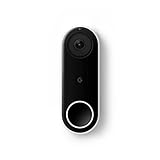
5. Google Nest Doorbell Wired – the Compact Body That Disappears on a Door Frame
Google Nest Doorbell (Wired) – Formerly Nest Hello – Video Doorbell with 24/7 Streaming – Smart Doorbell Camera for Home with HDR Video, HD Talk and Listen, Night Vision, and Person Alerts
720p capture
HDR 4:3 frame
4.6 x 1.7 x 1 inch
IP54
Nest app only
Pros
- Body is only 1 inch deep
- ideal for shallow frames
- 24/7 continuous streaming with a 3-hour snapshot history
- Person alerts that separate people from moving objects
- HD Talk and Listen with prerecorded replies
- Includes a 15 degree wedge and chime connector
Cons
- 720p capture resolution trails the 2K models
- Video history beyond 3 hours needs Nest Aware
- Works only with the Nest app
- not Google Home
- Chime sold separately
- IP54 weather rating
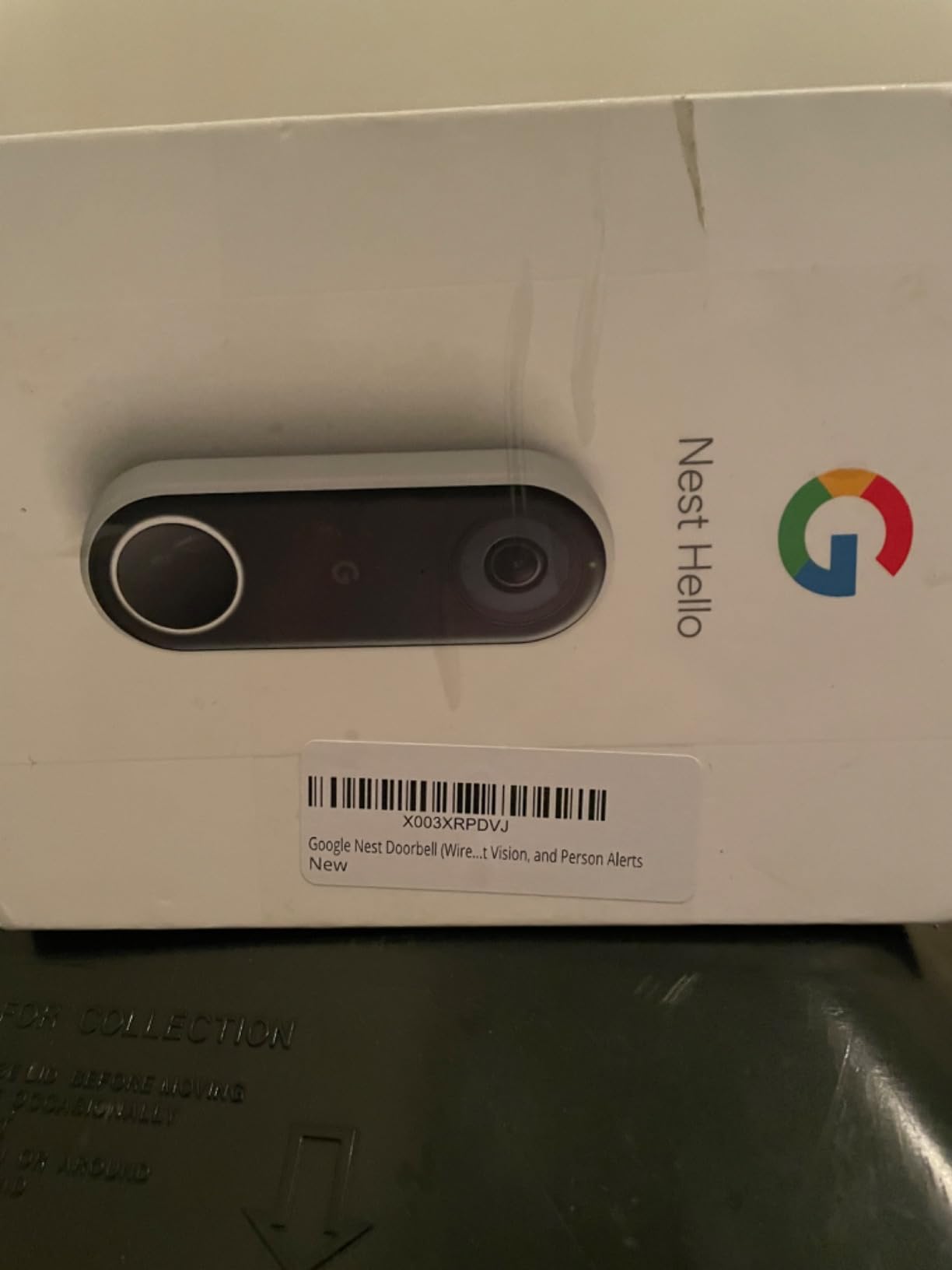
This is the model to consider when the door is the problem rather than the camera. At 4.6 by 1.7 by 1 inches and 4.28 ounces, it sits flatter against the door than anything else we tested, which matters in a hallway where the wall is close.
It is hardwired to existing doorbell wiring and includes a chime connector plus a 15 degree wedge in the box, so the install is genuinely a swap rather than a project. The catch is that the indoor chime unit is not included.
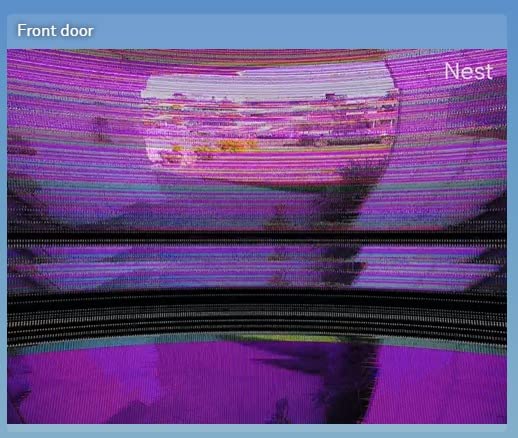
Video is 720p, which is the lowest resolution in this roundup, and it shows on a face at close range. In exchange you get 24/7 continuous streaming with a 3-hour snapshot history even without any plan, plus HDR video and night vision in a 4:3 frame that still reads head-to-toe.
Person alerts are the reason owners keep it. It distinguishes people from cars, pets and shadows, which cuts the notification noise that makes people ignore alerts entirely.
Who it suits in an apartment
Choose the Nest Doorbell for the smallest footprint in the group, for a Google Home household that accepts the Nest app, and for anyone who wants continuous live viewing rather than event-only clips. Live view without a plan is unusual in this category and useful when you work from home and want to check the corridor.
It is a sensible second pick for anyone upgrading an existing Nest Hello, since the wiring and app workflow are unchanged.
Where it will frustrate you
The subscription boundary is the biggest issue. Three hours of history is what you keep without paying, and anything longer needs Nest Aware, which is also where package detection lives.
It does not work with the Google Home app, which surprises people who own other Google devices. The IP54 rating is lower than the IP65 on most rivals, so an unsheltered exterior door is worth thinking about, and 720p will not survive heavy digital zoom on a shared walkway.
6. Ring Wired Doorbell 2K – Sharp Video for Alexa Households
Ring Wired Doorbell 2K (newest model), Retinal 2K with wide-angle video, up to 6x Enhanced Zoom, and Two-Way Talk, Speckled Gray
Retinal 2K sensor
6x enhanced zoom
Wide-angle view
Two-Way Talk
Continuous wired power
Pros
- Sharp 2K image with a wide-angle view of the whole approach
- 6x enhanced zoom helps with close inspection
- Installation and app setup are quick
- Fast real-time motion notifications
- Alexa announces visitors and Echo Show shows the feed
Cons
- Cannot drive an existing wired chime
- bulky body needing 2-3 inches beside the frame
- Very little cavity behind the mount for wire slack
- Does not reconnect automatically after a power outage
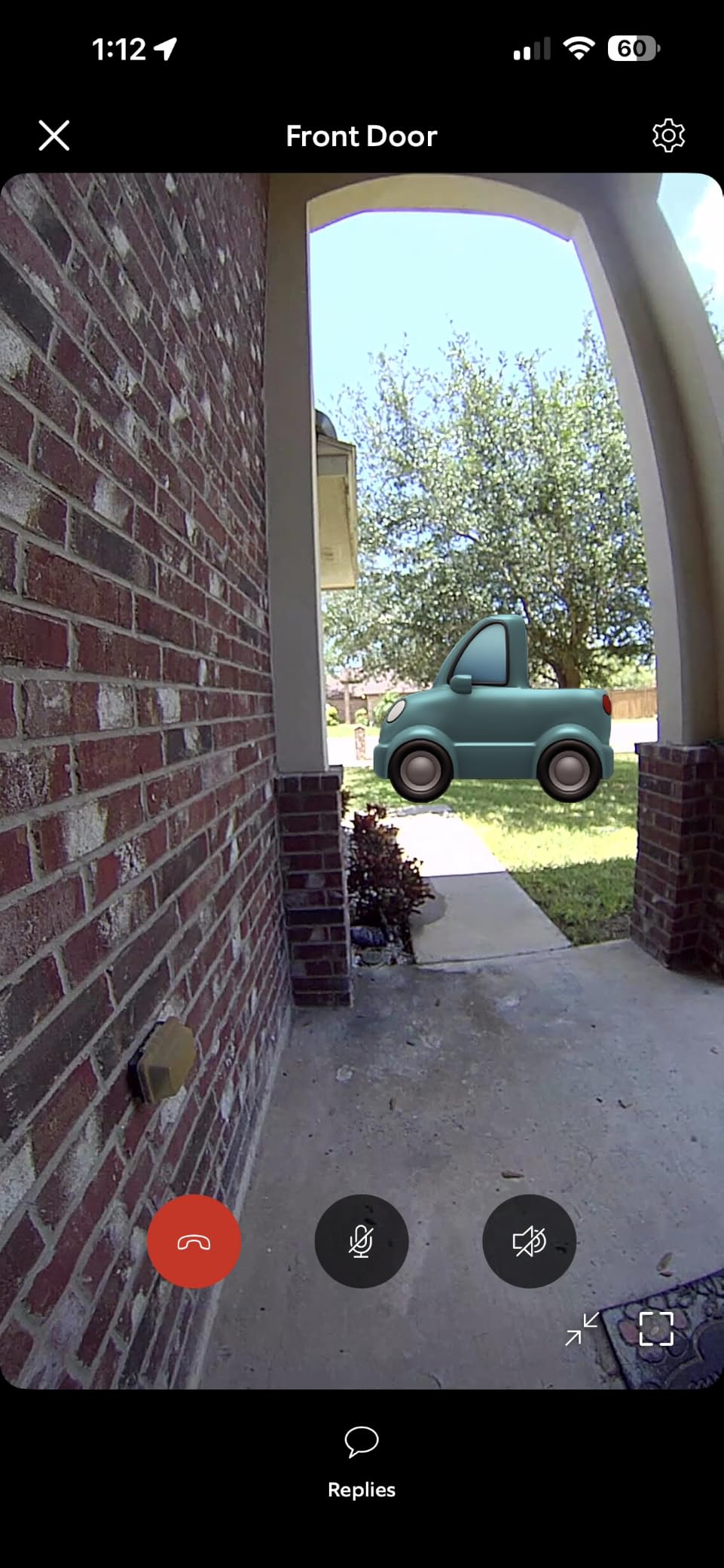
The sensor is the story. A Retinal 2K sensor with up to 6x enhanced zoom gives noticeably cleaner detail than the 720p and lower-end 2K units here, and the wide-angle field of view covers more of the approach to your door.
For a renter already using Alexa, the integration is the draw. Custom notifications announce visitors through the home, and an Echo Show displays the live feed without opening the app.
Continuous power comes from existing home wiring, so there is no battery to charge and nothing to steal for power. The body is offered in a speckled grey finish and there are single-unit and twin-unit variants.
Two-Way Talk works with live view and audio, and motion notifications arrive in real time. The catch is that rewind and the AI-powered alerts sit behind a Ring Protect subscription sold separately.
Who it suits in an apartment
Pick the Ring for an Alexa household, for the best zoom and sensor clarity in this group, and for anyone comfortable with a subscription for the rewind features. The wired power means you are not managing a charge cycle in a rental you may leave for weeks.
It is also the option most renters have already heard of, which makes installation and support familiar. Set it up on a 2.4GHz-only network from the start, since that is the requirement.
Where it will frustrate you
Physical bulk is the first thing renters mention. The unit needs 2-3 inches of clearance beside the door frame and there is very little cavity behind the mount for wire slack, which is a problem in a tight apartment entry where the door frame is tight against the wall.
It cannot ring an existing wired chime, so an indoor Ring plug-in chime is a separate purchase. Setup on 2.4GHz can fail repeatedly before connecting, a reset means removing the unit or cutting power at the breaker, and it does not automatically reconnect after a power outage.
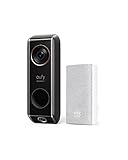
7. eufy S330 Wired – the Best Choice for Package Theft Watchers
eufy Security Video Doorbell (Wired) S330 with Chime, Dual Cam, Delivery Guard, Security Camera, 2K with HDR, No Monthly Fee, 16-24V, 30VA, homebase NOT Supported, Motion Only Alert
2K HDR dual camera
Delivery Guard alerts
3-second pre-roll
16-24V 30VA
IP65
Pros
- Delivery Guard detects packages and flags tampering
- Three second pre-roll captures activity before motion triggers
- No monthly subscription fee for storage and core alerts
- Plug-in chime included in the box
- Dual cameras give wide front door coverage
Cons
- eufy HomeBase is not supported on this model
- Alerting is motion only with no person or package classification
- Needs compatible 16-24V 30VA wiring
Package theft is the most common apartment-specific worry we came across, and the S330 is the model built around it. Delivery Guard detects a parcel arriving, notifies you, and then alerts again if someone approaches or handles it.
The 3-second pre-roll is the quiet advantage. Because the camera buffers a few seconds before motion triggers, a clip shows the approach rather than starting after the person is already turning away, which is exactly the moment most theft clips miss.
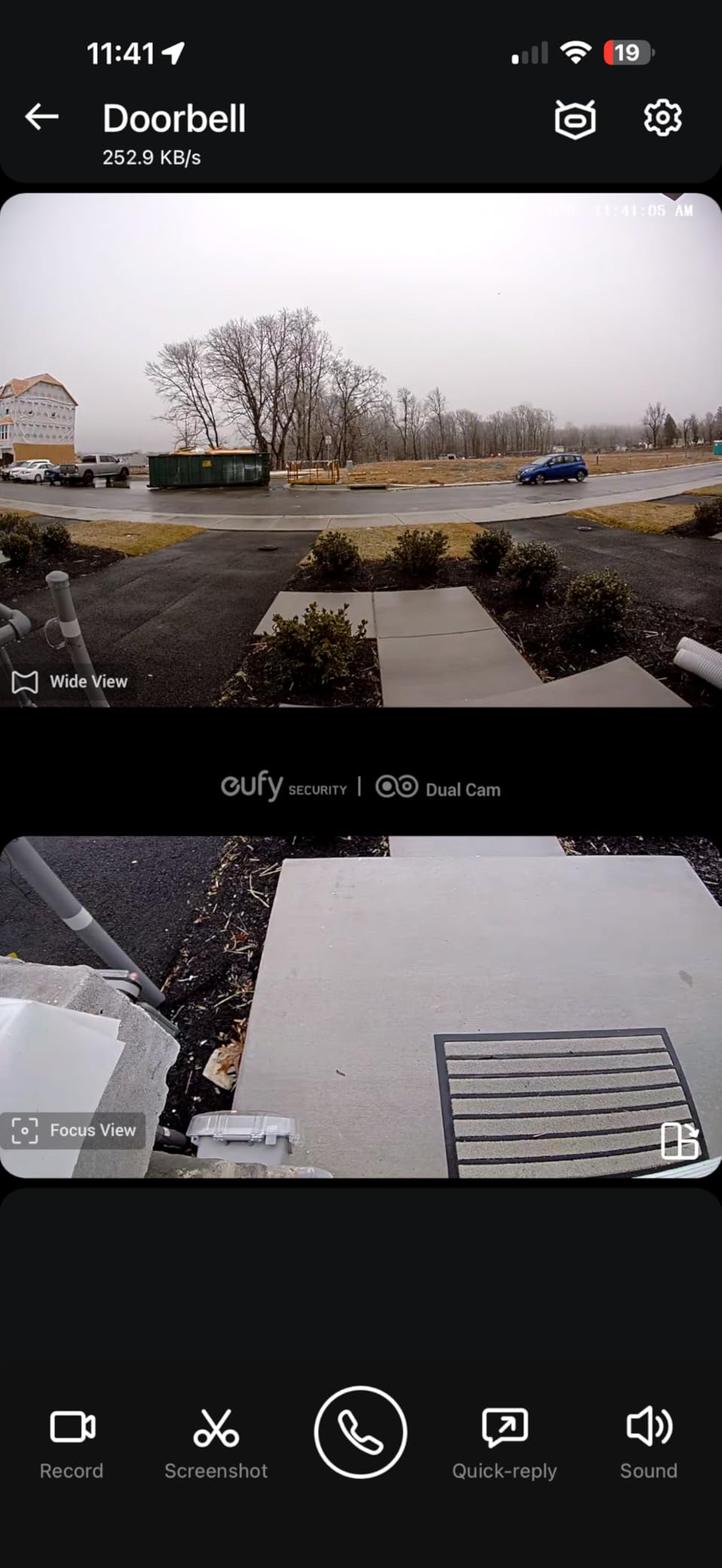
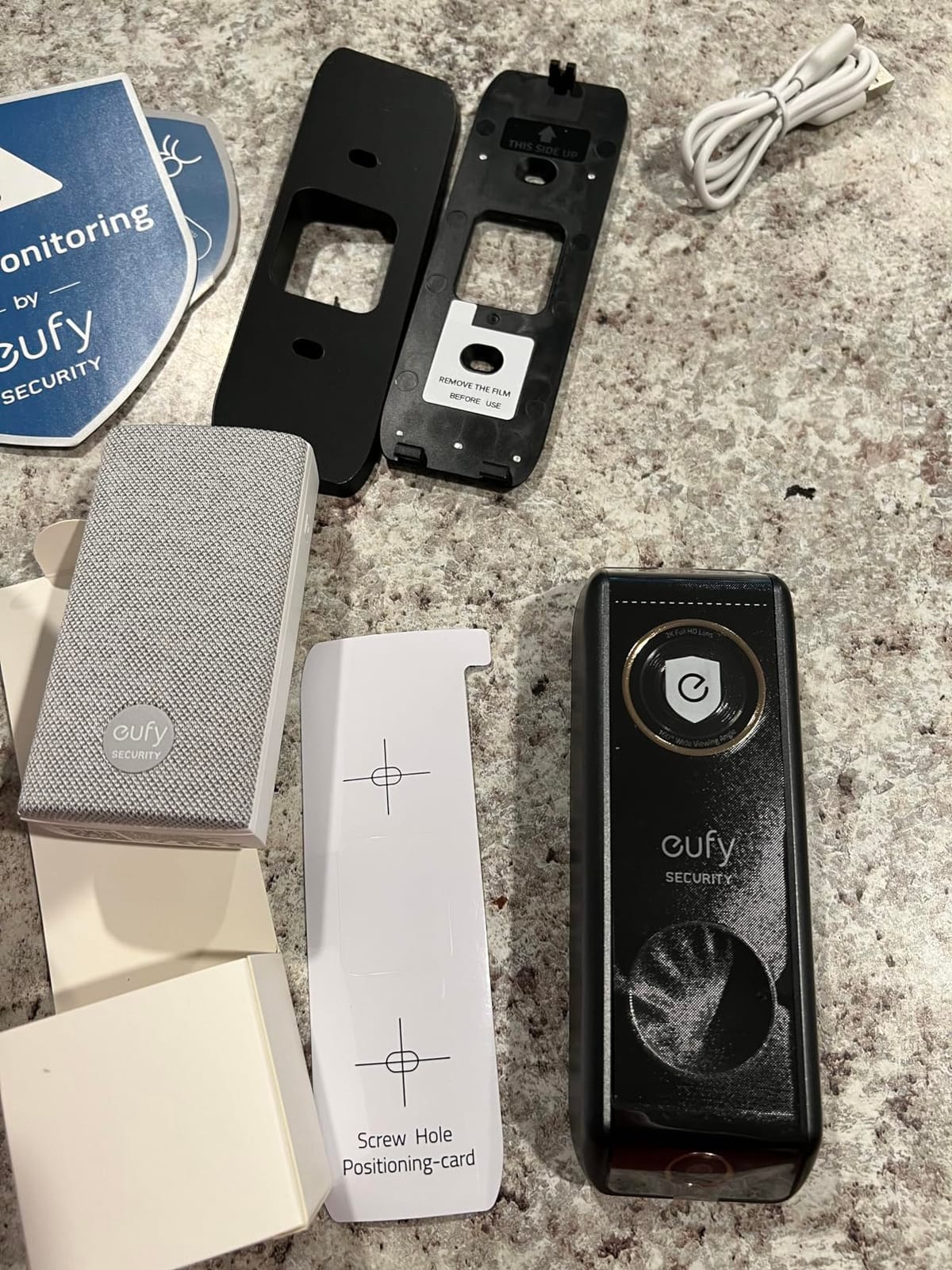
Storage is local with no monthly fee for the core alerts and recordings, and the box includes a plug-in doorbell chime plus a 15 degree mounting wedge. Power is 16-24V at 30VA, so check the transformer label before you commit.
Video is 2K with HDR across the dual cameras, and the body is 6.22 by 1.97 by 1.06 inches at about 7 ounces, so the depth is fine for a shallow frame even though the face is long.
Who it suits in an apartment
This is the pick for a ground-floor unit, a building with a shared mailroom, or anyone who has already had a parcel taken. The tamper alert is the feature that makes the difference between a clip you keep and a clip you never get to.
It also suits renters who want no recurring charge and already use Alexa or Google Assistant, and the included chime means you can hear the bell without a second purchase.
Where it will frustrate you
Alerts are motion only, so a passerby and a person stopping at your door produce the same notification. If you want the app to tell you a package arrived, the E340 or the Tapo D225 does that more clearly.
eufy HomeBase is not supported on this model, which limits storage and integration options compared with the rest of the range. The 30VA power requirement is also the highest here, so an older or undersized transformer is a real risk.
8. Tapo D225 2K+ – the Highest Rated Doorbell in the Lineup
Tapo 2K+ Wired or Battery Powered Smart Video Doorbell with Chime, D225
2K QHD, 5MP sensor
180 degree view
Wired 8-24V or 10,000mAh battery
microSD up to 512GB
IP65
Pros
- Highest average rating of the ten models we tested
- Works hardwired for 24/7 recording or on the built-in battery
- 180 degree head-to-toe field of view
- Free person
- package and vehicle detection with per-type zones
- microSD up to 512GB handles all core features with no plan
Cons
- Ring Call keeps ringing other linked phones after one person answers
- 2.4GHz WiFi only with no 5GHz support
- Cloud subscription needed for notification preview clips
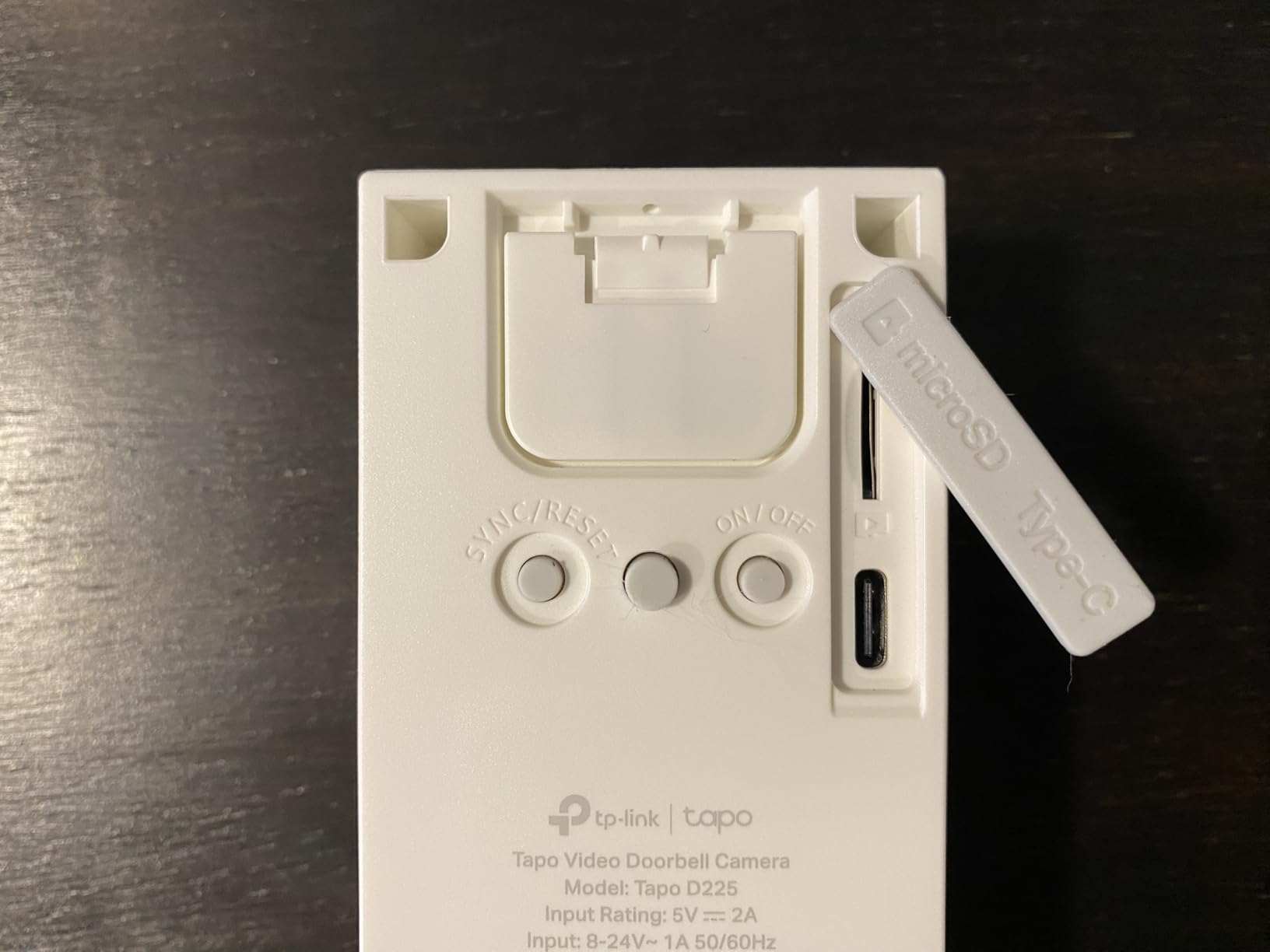
At 4.4 average stars this is the highest-rated model in the set, and the reason owners give is consistent: it behaves like a flagship without a flagship invoice. Hardwired at 8-24V it records continuously, and the built-in 10,000mAh battery is a fallback rather than the primary mode.
Ring Call is the feature no competitor here matches. When someone presses the doorbell your phone rings as an actual call, and you answer it like a phone call rather than opening an app and squinting at a thumbnail.
Detection is free and local. Person, package and vehicle classification each get their own notification setting and zone, which cuts the false alerts from a shared corridor considerably better than a single motion trigger.
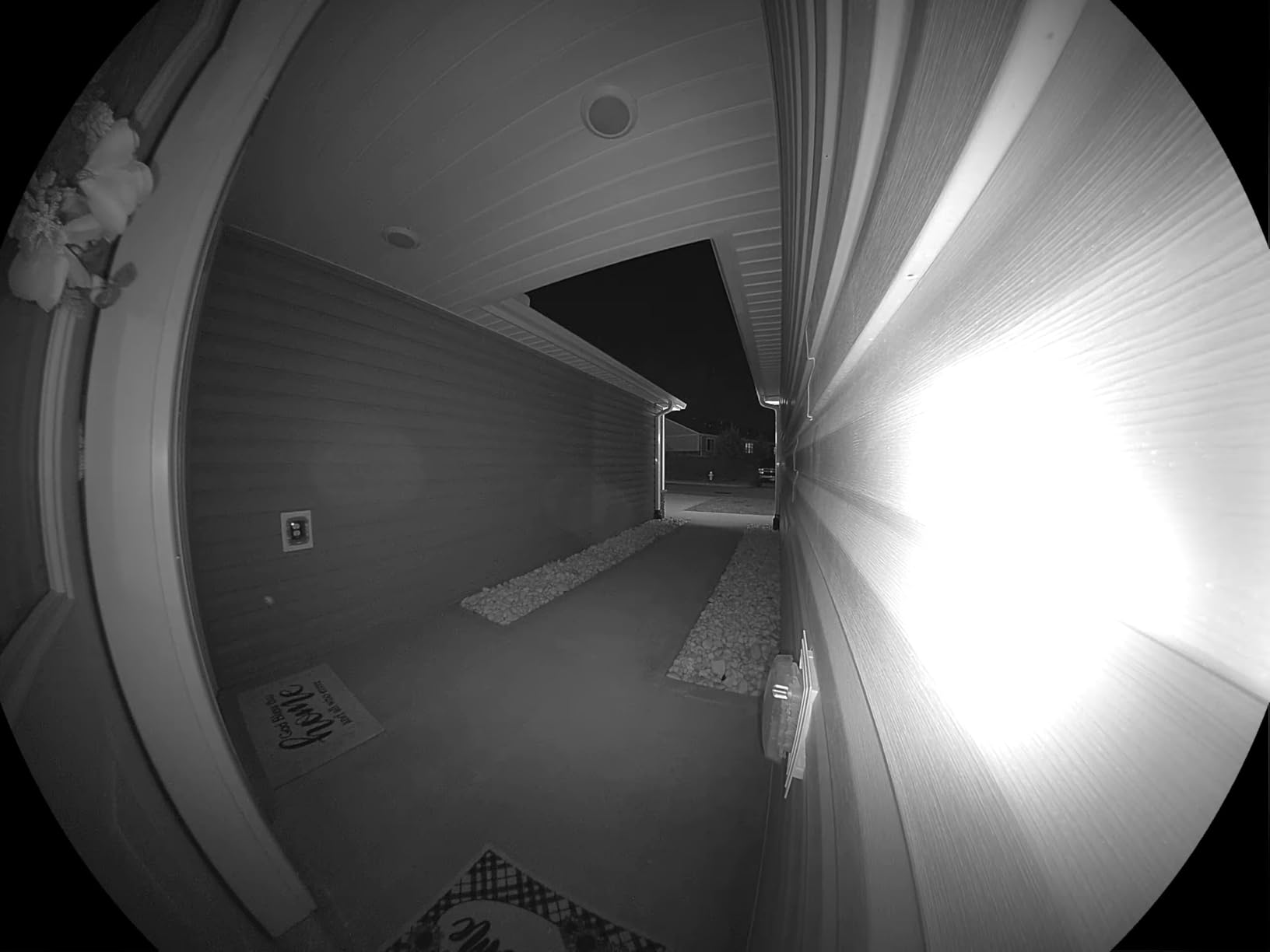
Storage runs to a microSD card of up to 512GB, and once hardwired it can also feed a hardware NVR. Night vision is full colour to 25 feet with a motion-activated spotlight, and the box includes a modular chime plus 15 degree horizontal and 5 degree vertical wedges.
Who it suits in an apartment
Pick the D225 if you want a wired doorbell with a battery escape hatch, which makes it the safest recommendation for a renter who has not yet confirmed whether their unit is wired. It also suits anyone who wants per-type AI detection without paying for it.
It is a good fit for households already in the Tapo and Kasa ecosystem, and for people who work long shifts and would rather hear a call than watch a notification badge.
Where it will frustrate you
Ring Call keeps ringing the other linked phones after one person answers, and there is no separate dismiss button, which is genuinely irritating in a shared household. The 2.4GHz-only radio is a limitation in a congested building network.
Notification preview clips and cloud zoom need a Tapo Care subscription, and the Tapo hub cannot be used for off-device storage so recordings stay on the camera. Some owners also report a recent firmware update that delayed push notifications.
9. Arlo Video Doorbell 2K – the Widest Smart Home Compatibility
Arlo Video Doorbell 2K (2nd Gen) Wireless or Wired – 1-Cam
2K HDR, 180 degree view
Battery or hardwired
25ft colour night vision
IP65
30fps
Pros
- Works with Alexa
- Apple Home
- Google Home
- SmartThings and IFTTT
- 2K HDR at 180 degrees with 12:1 digital zoom
- Two-way audio that reviewers describe as close to a face-to-face conversation
- Custom activity and privacy zones for shared walls
- Live streaming and basic alerts work with no subscription
Cons
- 60-day history and AI detection need a paid Arlo Secure plan after the trial
- Battery is not user-replaceable so the whole unit must be removed to charge
- Event-based recording means some past events cannot be reviewed
Arlo is the compatibility answer. Alexa, Apple Home, Google Home, Samsung SmartThings and IFTTT in one unit is a longer list than any rival here, and for a renter whose household has no single platform that matters more than a resolution bump.
It runs on a rechargeable battery or can be hardwired to existing wiring for trickle charging, and the box includes an angled bracket and a wire extension kit. Video is 2K HDR at 180 degrees with 30 frames per second and colour night vision to 25 feet.
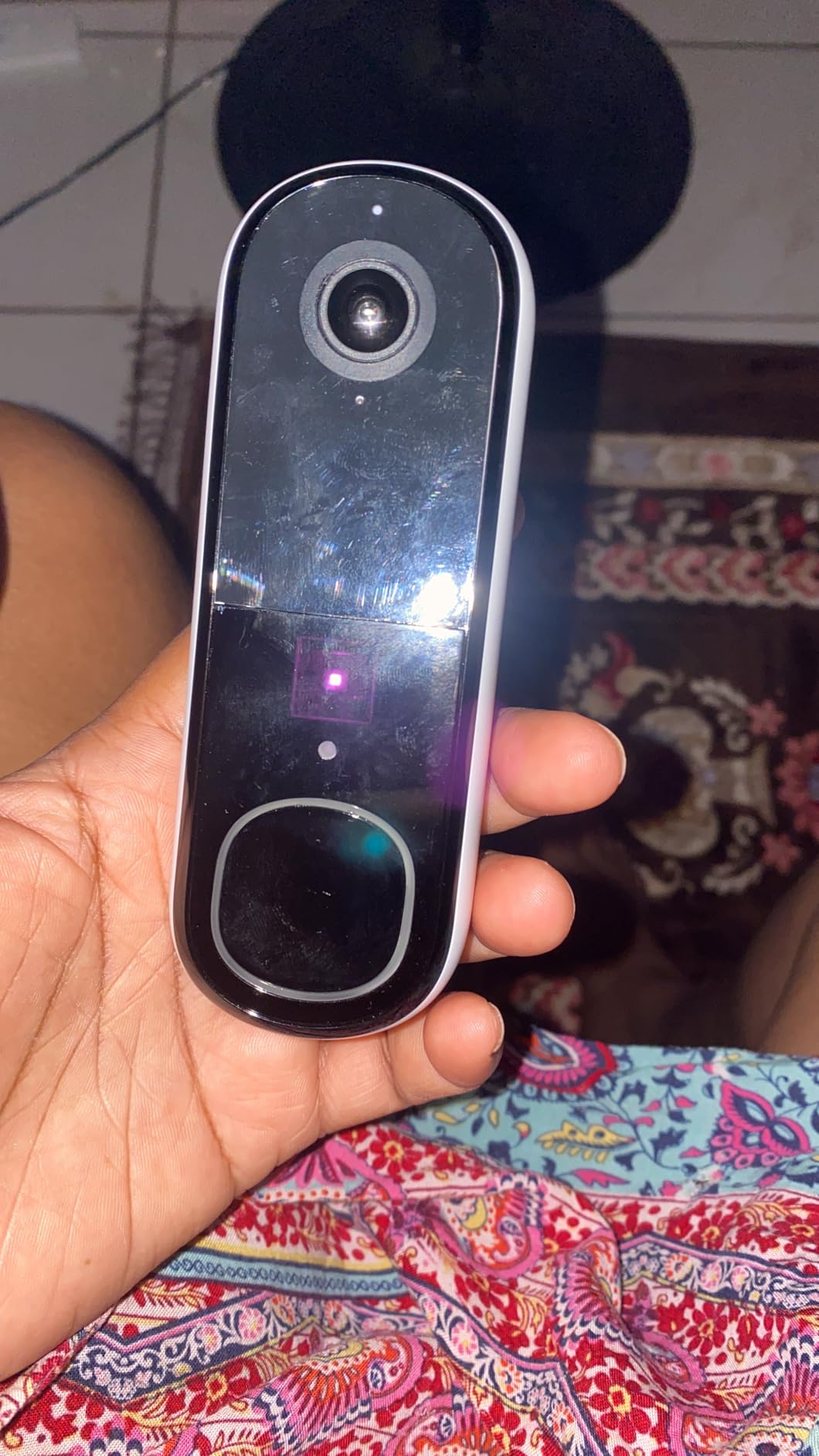
The audio is the quiet strength. Owners consistently describe two-way audio as close to a face-to-face conversation, which matters when you are talking to a courier through a door rather than shouting across a lobby.
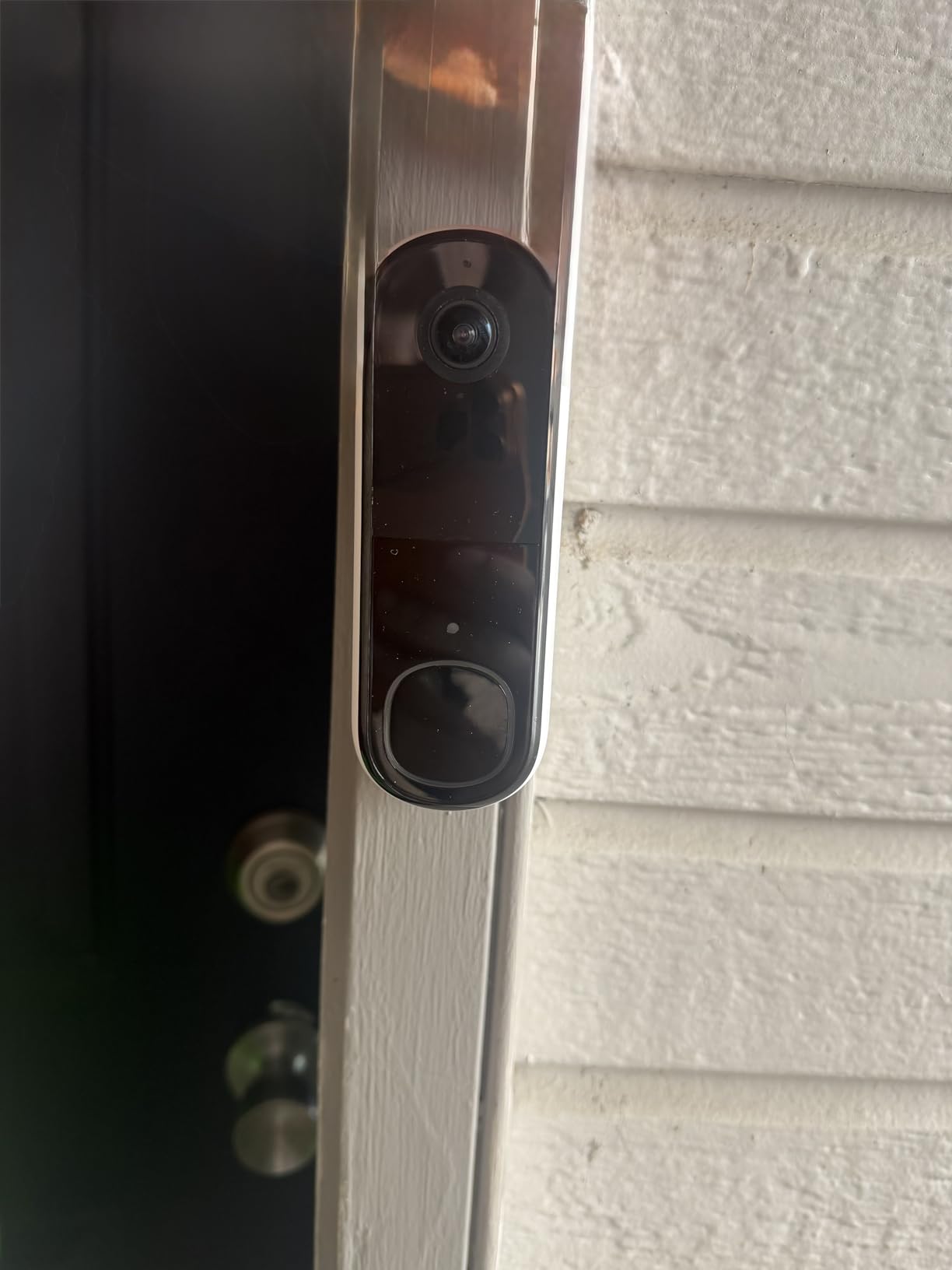
Custom activity and privacy zones are well suited to apartment life, because you can mask out a neighbour’s door or a busy stretch of corridor and stop the notification fatigue that makes people ignore alerts.
Who it suits in an apartment
Choose the Arlo if your smart home spans more than one ecosystem, or if privacy zones matter because your door looks onto a shared hallway. Live streaming and basic alerts work with no paid plan at all.
The angled bracket also makes it easier to aim a camera mounted close to a door frame, where a straight-on lens would otherwise catch a wall or a neighbouring unit instead of the approach.
Where it will frustrate you
After the trial, 60-day video history and the AI detection features require a paid Arlo Secure plan. If you want the full feature set rather than the free tier, this is one of the more expensive ongoing routes in the group.
The battery is not user-replaceable, so a flat pack means removing the whole camera, and recording is event-based, which means some past events simply cannot be reviewed. Motion sensitivity is also hard to tune to a specific point of a corridor.
10. ecobee Smart Video Doorbell – the Widest Head-to-Toe View in the Group
ecobee Smart Video Doorbell Camera Wired 1080p HDR, Smart Alerts
1080p HDR
187 degree diagonal, 175 vertical
16-24V AC 10VA
30ft night vision
IP65
Pros
- Widest head-to-toe coverage here at 187 degree diagonal
- Colour night vision to 30 feet
- Hardwired build rated from -13 to 113 degrees F
- Activity zones for motion
- person and package
- Chime adapter and wire extenders included
- 3 year manufacturer warranty
Cons
- Video storage and package detection need the ecobee Smart Security plan
- 1080p capture is below the 2K models here
- Needs existing wiring and a transformer at 10VA minimum
- Apple HomeKit Secure Video not supported
Look at the field of view numbers first. A 187 degree diagonal and 175 degree vertical angle is the widest coverage in this roundup, and in a short apartment corridor that means a visitor from head to feet and the mat beside them both land in one clip.
It is a pure wired unit, drawing continuous power from 16-24V AC with a 10VA minimum. The box includes mounting plates, wire extenders, a chime adapter, wire connectors, screws and an Allen key, which makes the mechanical side of the install unusually complete.
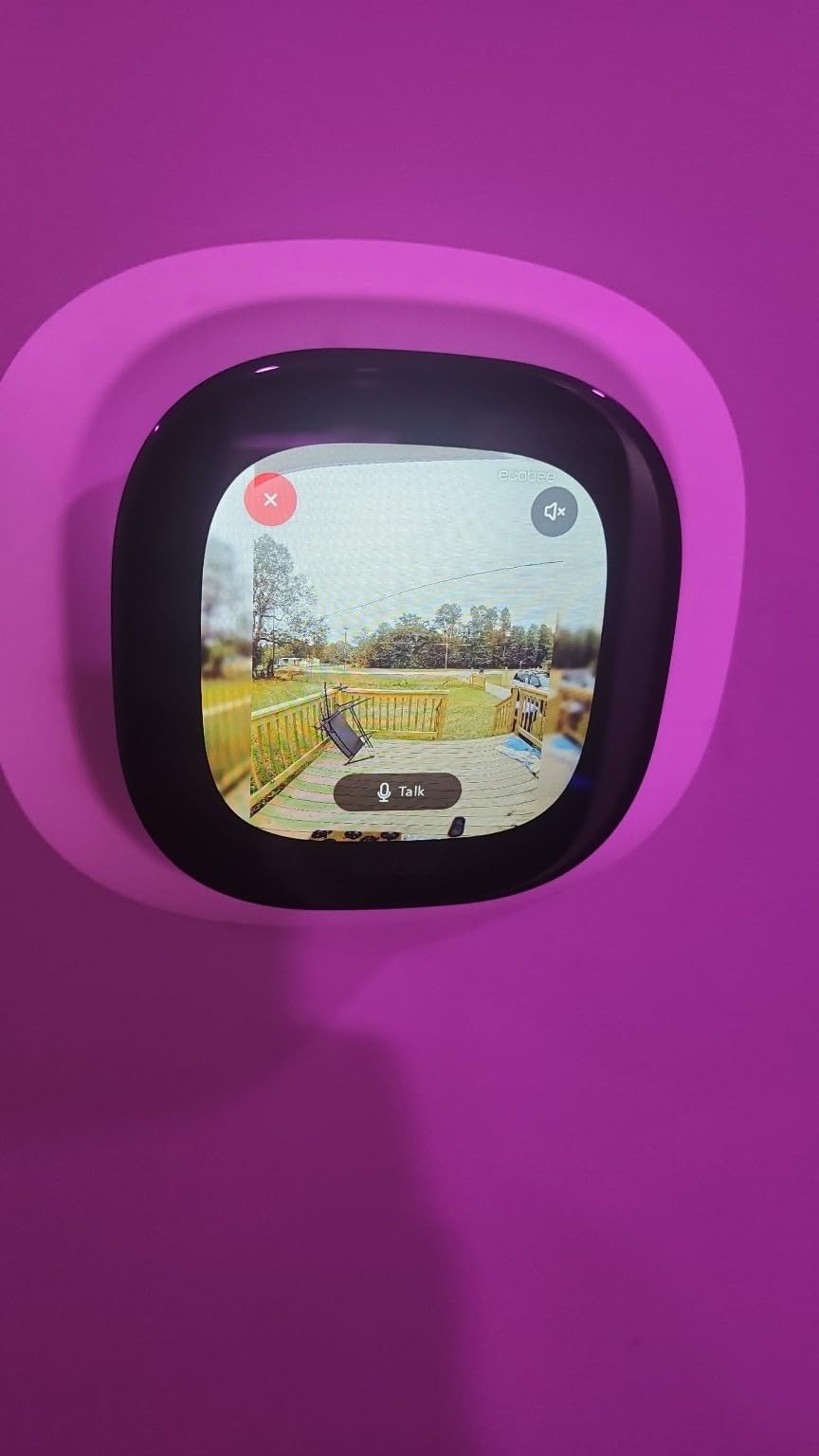
The image is 1080p HDR with a 5 megapixel photo sensor, 8x optical zoom and colour night vision rated to 30 feet. Operating temperature runs from -13 to 113 degrees F, the widest environmental range listed here, with IP65 weather resistance.
Detection covers motion, person and package with configurable activity zones, and 30 days of snapshots are stored by default. Video history and package detection sit behind the ecobee Smart Security subscription, which includes one free month on registration.
Who it suits in an apartment
Pick the ecobee for the widest possible view of a narrow entry, and for anyone in a building with an exposed corridor where the temperature rating and IP65 certification reduce weather worry. It works with Alexa, Google Home and Apple HomeKit speakers, plus ecobee thermostats.
The three year manufacturer warranty is the longest in this group, which matters for a renter who does not want to think about replacement dates, and the included wire extenders reduce the need for a junction box.
Where it will frustrate you
The subscription question is the first hurdle. Video storage and package detection require ecobee Smart Security, so a renter who wants to review an old clip three weeks later is depending on a paid plan.
Resolution is 1080p rather than 2K, which is visible if you zoom into a face from a distance, and Apple HomeKit Secure Video is not supported. The unit also weighs more than the other hardwired models here, which is a mounting consideration on a hollow-core apartment door.
Before You Buy: The Apartment Doorbell Checklist
Get written permission first. Check your lease for any clause on cameras, electronic devices, or modifications. If the lease is silent, that silence is not permission, it is ambiguity, and ambiguity is what a property manager uses to raise a complaint. Send a short written request and keep the reply.
Find the wiring before you buy. The transformer hunt takes under a minute and saves an expensive return. If your unit has no wiring at all, the decision belongs to your landlord, and asking them to run a two-wire cable to your door is a reasonable request in most leases. A plug-in adapter is a legitimate fallback when an outlet sits close to the door.
Match the power requirement to the transformer. Units that illuminate or drive a chime connector draw more current. The eufy S330 asks for 16-24V at 30VA, the Tapo D225 accepts 8-24V, the KD110 and ecobee specify 24V AC, and the Wyze v2 needs 16-24V AC at 10VA minimum. A transformer from before the 1990s may not have the headroom.
Check the WiFi band and signal at the door. All of these units are 2.4GHz, apart from the Reolink, which also supports 5GHz. A phone test at the door, not at the router, tells you more than anything. If the reading is weak, put a mesh node in the hallway rather than blaming the camera later.
Aim for your own threshold. A 160 or 180 degree lens in a corridor one door wide will still catch a neighbour’s doorway. Use the included wedge to angle the camera down and inward, draw activity zones in the app, and use the privacy zones on the Arlo to mask a specific neighbour’s frame. On a building with a shared entry, aim lower than instinct suggests.
Decide about indoor sound before you order. The Kasa KD110, the Reolink and the eufy S330 include a plug-in chime. The eufy E340 needs a separate MiniBase Chime. The Ring and the Wyze v2 will not drive a mechanical chime, and the Nest chime is sold separately. If you rent and cannot fix hardware to a wall, a plug-in unit is the only realistic option.
Plan for the outlet as well as the door. A plug-in chime needs a socket within earshot of your door. This is also the moment to decide whether you want local recording or a cloud plan, because a microSD card and a subscription are not the same purchase and the model you want may only support one of them.
For the broader picture on camera hardware, our mirrorless camera picks cover sensor comparisons that translate usefully to doorbell lenses, and if noise through the wall is part of your complaint, the same apartment-building logic applies to the isolation pad guide for apartment subwoofers.
Wired vs Battery in a Rental: the Honest Tradeoff
Wired wins on the things a renter cannot fix. There is no charge cycle, no dead camera at the moment a courier arrives, and no battery for someone to remove and carry off. On a weak building network, a wired unit with a mains-derived power supply also tends to hold its connection better, and a dual-power model keeps a battery as a backup rather than a dependency.
Battery wins on installation. No transformer, no wiring permission, no electrician, no landlord conversation, and the unit can be moved when you move out. For a renter in a unit with no wiring at all, a battery model is often the only realistic purchase, and that is an honest answer rather than a compromise.
There is a third path worth naming: a wired camera fed by a plug-in adapter rather than in-wall wiring. It keeps continuous power and local storage on a unit that has no transformer. It is only a good idea when the socket is genuinely near the door, because a cable stretched along a hallway is a trip hazard and a landlord conversation of a different kind.
Is a Doorbell Camera Legal in an Apartment?
In most US states, recording the entrance to your own home is legal. Doorbell cameras have been held lawful in apartment settings because the area a doorbell camera covers is generally not a private space, and courts have distinguished doorbells from cameras pointed at a neighbour’s window or a building hallway beyond the threshold.
The audio microphone is a separate question. One-party consent states generally allow recording a conversation you are part of, and all-court-consent states do not. Every model here records audio with a microphone, so if your building is in a two-party state, turn recording audio off in the app if you are not speaking to a visitor.
The lease is where most disputes actually happen. A California tenant in a landlord forum thread reported being accused of a lease violation over a Ring doorbell in a lease that never mentioned cameras, and the recurring pattern across renter forums is the same: a property manager asks for removal, the tenant points out the silence, and neither side has a clear process. Written consent resolves it more often than not.
Ask for something specific: a camera on your own front door, no coverage of neighbours’ units, no recording of common areas, and removal at the end of your tenancy. That is a short message a reasonable landlord will approve, and it puts you on the right side of the argument if a dispute ever comes up. Keep a copy of whatever they send back.
One more practical point: if your building already has a shared entry panel or intercom, a personal doorbell may not be the right tool. A multi-tenant entry system with a directory and fob or PIN access solves the building-level problem, and a renter installing their own camera at a shared door usually lacks the authority to do it.
Frequently Asked Questions
What doorbell camera is best for apartments?
The eufy E340 is our top wired pick for apartments because its dual cameras capture a visitor head-to-toe and a parcel on the ground in one frame, store footage locally with no monthly fee, and run on existing doorbell wiring. The Kasa KD110 is the best value if you want a plug-in indoor chime in the box.
Is it legal to have a doorbell camera in an apartment?
Recording the entrance to your own home is legal in most US states because a doorway is not treated as a private space. Your lease may still require written landlord consent, and audio recording depends on your state’s consent rules. Keep the camera on your own threshold, avoid neighbours’ windows and common areas, and keep written approval on file.
Can you have a doorbell camera in an apartment building?
Yes, provided you are filming your own front door rather than a shared entrance or common area. Shared building entry points are usually controlled by the property manager, and a tenant camera there can violate the lease or a building rule. For controlled-access buildings, ask management about a multi-tenant entry panel instead of installing your own.
Do apartments have doorbell wiring?
Many do not, and this is the most common reason a wired doorbell returns. Press the existing button and listen for a chime, then check the transformer label for 16V-24V AC. If nothing chimes, ask your property manager to run a transformer and two-wire cable, use a plug-in adapter near the door, or choose a battery model such as the Tapo D225.
Is it hard to install a wired doorbell?
If your unit already has a working transformer, it is a two-wire swap that most people finish in under an hour using the included wedge, screws and chime connector. Add the jumper wire or the camera may repeatedly drop off the network. If you must run new cable or fit a new transformer, that is landlord or electrician work, not a weekend job.
The Best Wired Doorbell Camera for Your Apartment
If your unit has working doorbell wiring, the eufy E340 is the pick: dual cameras for visitors and parcels, local storage with no monthly charge, and it mounts on the wiring you already have. If you want a chime in the box and the lowest complete outlay, the Kasa KD110 does the job. If door space is the constraint, the Wyze v2 is the one that will physically fit.
If your unit has no wiring, start with the landlord conversation rather than the purchase. A transformer and two-wire cable to your door is a reasonable ask, and once it exists, any of the ten models above will serve a rented flat well. Our best wired doorbell cameras for apartments ranking holds either way, as long as the permission and the wiring come before the unboxing.