
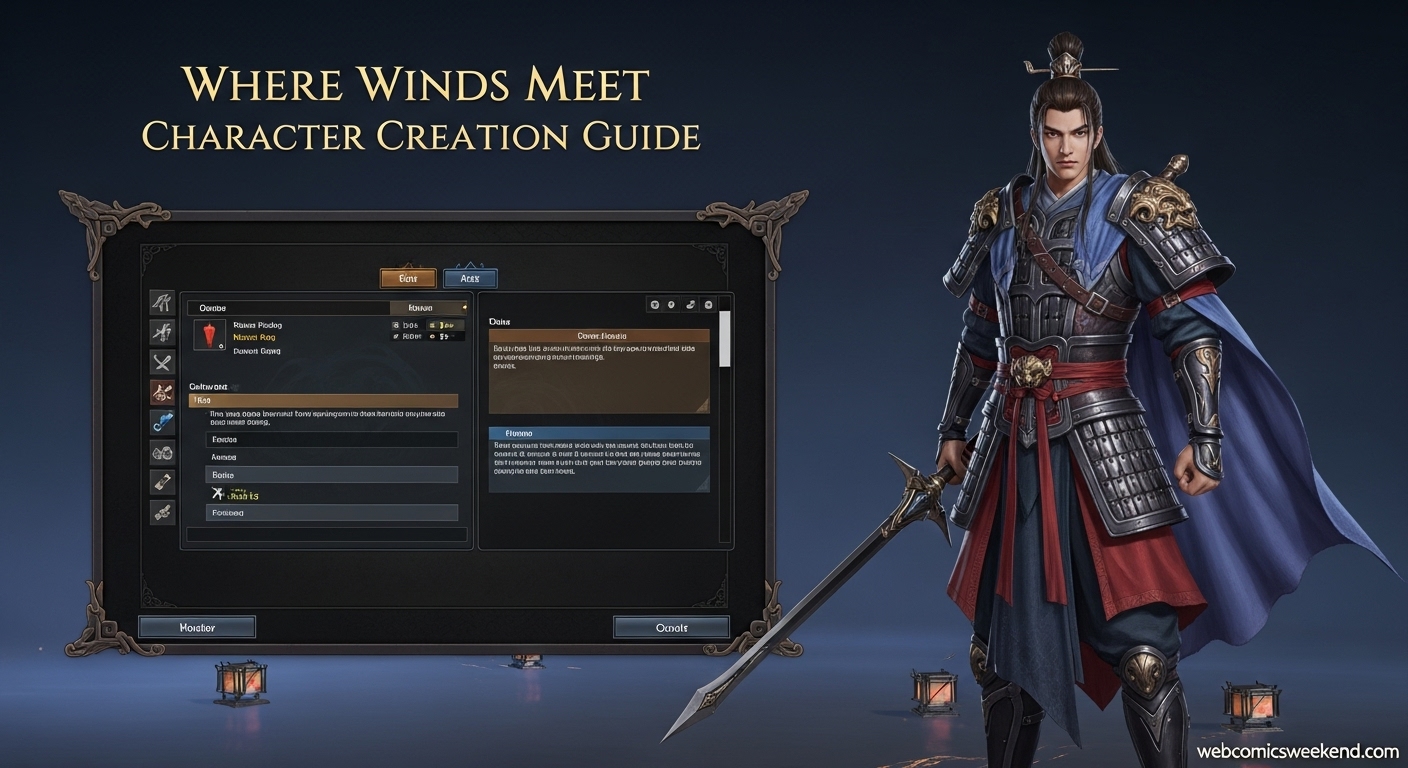
Hey there, fellow Wuxia enthusiast! If you’re anything like me, you’ve probably spent hours in Where Winds Meet’s character creator, trying to craft the perfect warrior to represent you in ancient China. I totally get it – creating your character is like the first step in your epic journey, and you want to get it right.
When I first jumped into Where Winds Meet, I was blown away by how detailed the character creation system was. I mean, we’re talking next-level customization here! But I also ran into the same problem many of you are probably facing right now: how do you create a new character without losing all your progress on your current one?
Trust me, I’ve been there. I spent countless hours researching, testing different methods, and talking with other players to figure out all the ways you can create new characters in Where Winds Meet. And today, I’m sharing everything I’ve learned with you!
Why Would You Want to Create a New Character?
Before we dive into the how-to, let me share why you might want to create multiple characters in the first place. When I started playing, I didn’t think I’d ever need more than one character. Boy, was I wrong!
Here are the main reasons I’ve found for wanting to create additional characters:
- Different Playstyles: Maybe you want to try a completely different combat style or weapon specialization
- Roleplaying Purposes: Sometimes you just want to experience the story from a different perspective
- Testing Builds: I love experimenting with different skill combinations and martial arts
- Aesthetic Preferences: Let’s be honest – sometimes you just want to rock a different look!
- Server Options: Playing on different servers with different communities
Understanding Where Winds Meet’s Character System?
First things first, let’s talk about how Where Winds Meet handles characters. Unlike many other MMORPGs, this game has some unique restrictions that you need to understand.
From my experience playing and researching, here’s the deal:
| Character Limit | Account Binding | Deletion Policy |
|---|---|---|
| 1 character per account (currently) | Characters are tied to your platform account | No in-game deletion option available |
| Up to 6 characters in Chinese version | Cross-platform binding possible | Must contact support for deletion |
| Global version may get updates | Multiple platform support | 14-day waiting period for some changes |
I know this might seem limiting, especially if you’re coming from games that let you have multiple characters right off the bat. But don’t worry – there are workarounds, and I’m going to share all of them with you!
Method 1: The Account Binding/Unbinding Trick
This is the method I personally used when I wanted to create a second character, and it worked like a charm! It’s a bit technical, but if you follow these steps exactly, you’ll be creating new characters in no time.
Step-by-Step Guide:
- Complete the Tutorial First: Make sure you’ve finished the tutorial and have access to the game’s settings. I learned this the hard way – you can’t access the binding options until you’ve completed the initial tutorial missions.
- Navigate to Settings: Press ESC to open the main menu, then head over to the “Other” tab. It’s usually the last tab in the settings menu.
- Find the Bind Account Option: Look for “Bind Account” – it should be the second option from the top. I remember staring at this menu for a good five minutes before I found it!
- Link to NetEase: Click the “Link” button next to NetEase Games. This will open your browser and take you to NetEase’s website. Here’s where it gets interesting – you’ll need to either create a new NetEase account or log into an existing one.
- Complete the Binding Process: Follow the on-screen instructions to complete the binding. Your game account is now linked to both Steam and NetEase.
- Access Customer Service: Press V to open the Customer Service panel (you’ll find it in the bottom-right corner of your screen).
- Unbind Your Account: Select “Unbind” from the options, choose your Steam account, and type “Confirm” when prompted.
- Restart the Game: Close Where Winds Meet completely and relaunch it. When you start the game again, Steam will treat it as a fresh installation, and you’ll be able to create a new character!
Pro Tip: I recommend taking screenshots of each step, especially if you’re not tech-savvy. It really helps to have visual references when you’re going through this process.
Method 2: Multiple Platform Accounts
If the binding/unbinding method seems too complicated, here’s another approach that I’ve found works well. This method is actually simpler, though it does require you to have access to multiple platform accounts.
How It Works?:
Where Winds Meet is available on multiple platforms:
- Steam
- Epic Games
- Official PC launcher
- PlayStation 5
Each platform account is treated as a separate entity, so you can create one character per platform account. Here’s what I did:
- Create Multiple Platform Accounts: I set up accounts on Steam, Epic Games, and even created a PSN account (though I don’t own a PS5 – yet!).
- Install on Different Platforms: Download Where Winds Meet on each platform you want to use.
- Create Characters Separately: Each platform installation will let you create a brand new character from scratch.
Advantages of This Method:
- No complicated binding/unbinding process
- Each character is completely separate
- You can play on different platforms depending on your mood
Disadvantages:
- You’ll need to manage multiple accounts
- Any purchases you make won’t transfer between accounts
- Progress is completely separate (which might be what you want anyway!)
Method 3: The Future Update Method
Okay, this one isn’t available right now in the global version, but I’ve been keeping my eye on the Chinese server updates, and there’s good news!
According to the official Chinese website, version 1.4 of the game introduced the ability to create up to 6 characters on a single account. Here’s what I found:
Current Status:
- Chinese Server: Already supports up to 6 characters per account
- Global Server: Still limited to 1 character per account
- Expected Update: Most likely coming in a future patch
What This Means for You?:
If you’re not in a huge hurry to create multiple characters right now, you might want to wait for this feature to roll out globally. Based on the update patterns I’ve observed, we could see this feature in the global version within a few months.
Deep Dive: Character Creation Options
Now that you know how to create multiple characters, let me walk you through the actual character creation process. I’ve spent countless hours in this creator, and I’ve picked up some tips that will help you create the perfect character every time.
The Character Creation Flow:
When you first start creating a character, you’ll go through these steps in order:
- Gender Selection → Choose Male or Female
- Base Preset → Pick between Realistic or Elegant styles
- Detailed Customization → Fine-tune every aspect
- Styling → Hair, makeup, and accessories
- Name Your Character → Choose your warrior’s identity
- Starting Talent → Select your initial abilities
- Confirm → Enter the world of Where Winds Meet
Gender Selection:
This is your first big choice, and it’s more important than you might think. When I was creating my first character, I didn’t realize that gender affects:
- Available presets and customization options
- Certain cosmetic items and outfits
- Voice options and character animations
My Advice: Take your time with this choice. While you can change your gender later using special tickets, your first change is free, and subsequent changes will cost you in-game currency.
Base Preset Styles:
After choosing your gender, you’ll select between two aesthetic directions:
| Preset Type | Description | Best For |
|---|---|---|
| Realistic | Natural, grounded appearance | Players who want authentic looks |
| Elegant | Refined, graceful features | Those who prefer more stylized beauty |
I personally love the Elegant presets for my female characters and the Realistic ones for my male characters, but there’s no right or wrong choice here. It’s all about what appeals to you!
Facial Customization:
This is where Where Winds Meet really shines! The facial customization system is incredibly detailed. I was amazed when I discovered how much control I had over my character’s appearance.
Here’s what you can customize:
Major Structures:
- Face type and overall shape
- Apparent age
- Skin tone and complexion
Advanced Details:
- Glabella (area between the brows)
- Philtrum (groove from nose to upper lip)
- Nasal columella
- Brow arches
- Cheekbone angles
- Jaw contour and definition
Individual Features:
- Eyes: Shape, size, angle, width, tilt, height
- Eyebrows: Arch, thickness, length, angle
- Nose: Bridge height, width, tip shape, nostril size
- Lips: Fullness, shape, cupid’s bow definition
My Pro Tip: Don’t try to perfect everything at once. I like to get the major structures right first, then fine-tune the details. Also, make sure to check your character under different lighting conditions before finalizing – what looks good in the creator might look different in-game!
Body Customization:
While the facial customization is incredibly detailed, the body customization is more limited. Here’s what I found:
Available Options:
- Overall build and silhouette
- Height adjustments
- Basic muscle tone
Limited Options:
- No per-muscle sliders
- Limited body type variations
My Experience: I was a bit disappointed by the limited body customization at first, but I’ve grown to appreciate it. The focus on facial features means that your character’s personality really shines through, and the cosmetic outfits you’ll acquire throughout the game do a lot to define your character’s silhouette anyway.
The Amazing AI Features:
This is probably the coolest part of Where Winds Meet’s character creation system – the AI-assisted customization options!
Voice Recording AI:
I absolutely love this feature! Here’s how it works:
- Record Your Voice: The game provides text passages for you to read
- AI Analysis: The system analyzes your vocal characteristics
- Character Generation: Based on your voice profile, the AI generates a character appearance
My Experience: I tried this with my normal speaking voice, and the AI created a character that surprisingly matched my personality! It’s not perfect, but it’s a fantastic starting point for customization.
Photo Import System:
This is another game-changing feature that I’ve had a lot of fun with:
- Upload a Photo: You can upload any clear face photo
- AI Processing: The game attempts to recreate that appearance
- Fine-Tuning: You can then manually adjust the generated character
Tips for Best Results:
- Use a clear, well-lit photo
- Make sure the face is front-facing
- Avoid extreme expressions or angles
- Higher resolution photos work better
My Story: I uploaded a photo of myself, and while it wasn’t a perfect match, it was surprisingly close! I only needed to make minor adjustments to get a character that really looked like me.
Hairstyles and Makeup:
No character is complete without the right hair and makeup! Here’s what I’ve learned:
Hairstyle Options:
- Multiple base styles to choose from
- Color customization (requires dyes in-game)
- Some styles are locked behind progression or purchases
Makeup System:
- Face makeup and designs
- Eye makeup options
- Lip color and style
- Free to change makeup anytime
- Other appearance changes may require tickets
My Strategy: I usually go with a more natural look for my main character and save the wild styles for my alternate characters. It’s fun to experiment with different looks!
2026 Advanced Character Creation Tips
Now that you know the basics, let me share some advanced tips I’ve picked up from creating dozens of characters:
1. Use the Lighting Preview:
The character creator has different lighting options that show how your character will look in various in-game environments. I always check my character under all lighting conditions before finalizing – what looks good in bright light might look strange in shadowy areas.
2. Take Advantage of the Free Re-customization:
The game gives you one free full appearance re-customization. I recommend using this after you’ve played for a few hours and seen your character in different lighting and with different gear. You might notice things you want to tweak!
3. Save Your Favorite Creations:
You can save your character creations and even share them with other players using QR codes. I’ve built up quite a collection of my favorite designs, and it’s great to be able to swap between them easily.
4. Check Community Creations:
The community has created some amazing character designs! You can import these using face codes or browse the public gallery. I’ve found some incredible designs that I’ve used as inspiration for my own characters.
5. Consider Your Playstyle:
Think about how you plan to play the game when creating your character. If you’re going to be doing a lot of stealth gameplay, you might want a more subtle appearance. If you plan to be on the front lines, maybe something more intimidating!
2026 Common Issues and Solutions
I’ve run into pretty much every character creation issue you can imagine, so let me share some solutions to the most common problems:
Issue 1: Character Changes Won’t Save
This is probably the most frustrating issue I’ve encountered. Sometimes you’ll spend hours perfecting your character, only to have the changes not save properly.
Solutions I’ve Found:
- Make sure you have a stable internet connection
- Try creating the character in smaller sessions rather than one marathon session
- If it persists, contact customer support – they might be able to help
Issue 2: PS5-Specific Problems
If you’re playing on PS5, you might encounter more issues than PC players. I’ve heard from several PS5 players about character creation bugs.
What to Do:
- Keep your game updated to the latest version
- Report bugs to the developers
- Sometimes, simply restarting the game can help
Issue 3: Appearance Changes Cost Too Much
While basic makeup changes are free, more significant appearance changes can cost in-game currency.
Money-Saving Tips:
- Use your free re-customization wisely
- Plan your changes before committing
- Look for events that give free customization tickets
The Future of Character Creation in Where Winds Meet
Based on what I’ve seen from the Chinese server and developer comments, here’s what I think we can expect in the future:
Upcoming Features:
- Multiple Character Slots: The Chinese version already supports up to 6 characters per account, and this will likely come to the global version.
- Enhanced Customization Options: I expect to see more hairstyles, makeup options, and possibly even more detailed body customization.
- Improved AI Features: The voice and photo import systems will likely get even better with future updates.
- Cross-Platform Character Sharing: It would be amazing to be able to share characters between platforms, and I’m hoping this becomes a reality.
Developer Comments:
The developers have acknowledged that the current character creation limitations aren’t ideal. In a statement on the Steam forums, they said:
“We sincerely apologize for any inconvenience this may cause. Currently, each account is limited to one character, and there is no option to delete or create a new character within the same account. If you wish to start over, you will need to register a new account. We appreciate your understanding and support, and we are now working on improve this matter.”
This gives me hope that we’ll see improvements soon!
FAQ: Creating New Characters in Where Winds Meet
I’ve answered a lot of questions about character creation, so let me address the most common ones here:
Can I have multiple characters on one account in Where Winds Meet?
Currently, no. The global version of Where Winds Meet limits you to one character per account. However, the Chinese version already supports up to 6 characters per account, so this feature will likely come to the global version in a future update.
How do I delete my character and start over?
Unfortunately, there’s no in-game option to delete your character. The only way to “delete” your character is to contact customer support at [email protected] and request assistance. Be prepared to provide your platform information and account details.
Can I change my character’s appearance after creation?
Yes! You can change your character’s appearance through the in-game menu. Press ESC, select “Appearance,” and you’ll be able to modify various aspects of your character. Basic makeup changes are free, but more significant changes may require special tickets or in-game currency.
What’s the easiest way to create a second character?
The easiest method I’ve found is the account binding/unbinding trick. It’s a bit technical, but it allows you to create a new character without losing progress on your existing one. Just follow the step-by-step guide I provided earlier in this article.
Will I lose my progress if I create a new character?
If you use the account binding/unbinding method or create a new platform account, your original character and progress will remain intact on your original account. Each character exists independently, so you won’t lose progress by creating additional characters.
How long does it take to create a good character?
This really depends on how detailed you want to get! I’ve spent anywhere from 30 minutes to several hours creating characters. If you’re using the AI features, you can get a great base character in just a few minutes, then spend as much time as you want fine-tuning the details.
Can I share my character designs with other players?
Absolutely! Where Winds Meet includes a character sharing system. You can generate QR codes for your character designs that other players can scan to use your appearance. There’s also a public gallery where you can share your creations with the community.
Are there any character creation contests or events?
Yes! The game frequently runs character creation contests where you can show off your best designs and win prizes. Keep an eye on the official website and community forums for announcements about these events.
Final Thoughts
Creating a new character in Where Winds Meet might seem complicated at first, but once you understand the system, it’s actually quite straightforward. I’ve had a blast creating multiple characters and experimenting with different looks and playstyles.
Remember, the most important thing is to have fun with it! Your character is your avatar in the world of Where Winds Meet, so take the time to create someone you’ll enjoy playing as for hours on end.
I hope this guide has been helpful to you. If you have any questions or want to share your own character creation tips, feel free to leave a comment below. And don’t forget to check out our other gaming guides for more Where Winds Meet content and other great games!
Happy character creating, and I’ll see you in the world of ancient China!
P.S. If you found this guide helpful, do me a favor and bookmark it for later. Where Winds Meet is constantly evolving, and I’ll be updating this guide with new information as it becomes available. You can also check out our Firstborn Beginner Guide if you’re looking for more gaming tips, or our Fisch Totems Guide if you enjoy Roblox games. Game on!