
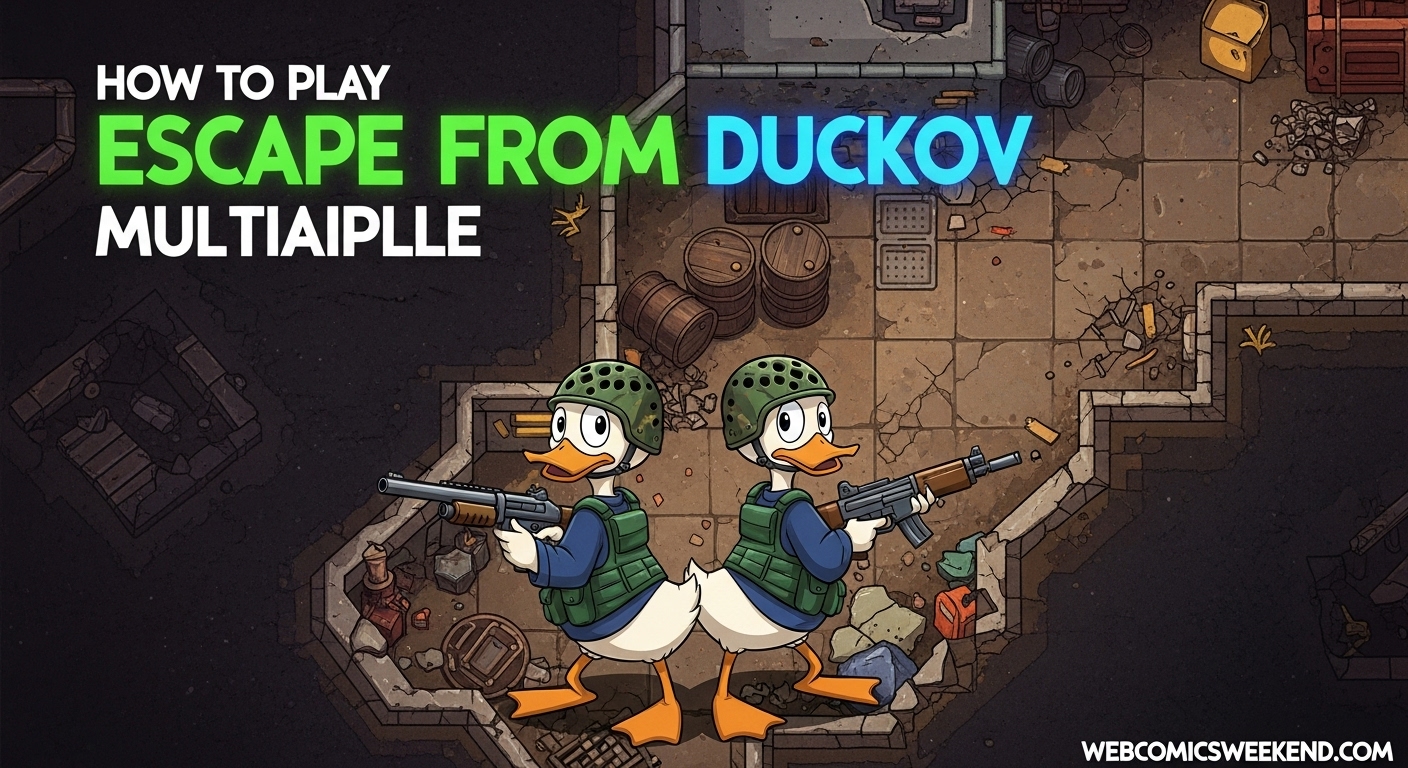
I remember when I first heard about Escape from Duckov – I was hooked immediately. I mean, who wouldn’t love a top-down extraction shooter where you play as a battle-hardened duck? But there was one thing missing: the ability to team up with my friends and experience this quacking good time together. Well, I’ve got great news for you! After spending countless hours testing different methods and setups, I’m here to share everything you need to know about playing Escape from Duckov in multiplayer mode.
What You Need to Know Before Starting?
Let me be straight with you – Escape from Duckov was designed as a single-player experience. The developers built this game from the ground up as a solo PvE adventure, and honestly, they nailed it. But like any passionate gaming community, Duckov fans weren’t satisfied with going it alone. That’s where the magic of modding comes in!
I’ve tested multiple multiplayer solutions, and while there’s no official multiplayer support yet, the community has created some pretty impressive workarounds. Before we dive into the setup process, here’s what you should know:
- Current player limit: Most mods support only 2 players for now
- Experimental nature: These mods are still in development, so expect some bugs
- Save system: Only the host’s progress gets saved
- No revival system: If you die, you’re stuck in spectator mode
The Complete Multiplayer Setup Guide
Alright, let’s get into the nitty-gritty. I’m going to walk you through exactly how I set up multiplayer with my gaming buddy, and trust me, if we can do it, anyone can!
Step 1: Getting the Right Mods
First things first, you need to subscribe to the essential mods on Steam Workshop. Here’s exactly what I did:
- Head to the Steam Workshop: Go to the official Escape from Duckov Co-op Mod page
- Hit Subscribe: Click that subscribe button like your life depends on it
- Subscribe to All: When the popup appears, click “Subscribe to All” – this is crucial because it grabs all the prerequisite mods you’ll need
The mods you’ll get include:
- HarmonyLib (the foundation)
- LiteNetLib (networking magic)
- Debug CMD Mod (for troubleshooting)
- Co-Op Mod (the main event)
Step 2: Configuring Your Virtual LAN
Now, here’s where things get interesting. You and your friend need to be on the same virtual network to play together. I’ve tried a few different VPN solutions, but Radmin VPN has been the most reliable for me.
For the Host Player:
- Download and install Radmin VPN (it’s free!)
- Open the software and click “Create Network”
- Pick a network name and password – make it something memorable but secure
- Share these details with your friend
For the Client Player:
- Install Radmin VPN on your machine too
- Click “Join Network” and enter the details your friend sent you
- Wait for the connection to establish – you should see your friend pop up in the connected list
Step 3: In-Game Configuration
This is where the magic happens! Follow these steps exactly as I’ve laid them out:
- Launch Escape from Duckov
- Click on “MOD” in the main menu
- Arrange your mods in this specific order:
- HarmonyLib
- LiteNetLib
- Debug CMD Mod
- Co-Op Mod (this one MUST be at the bottom)
- Restart the game when prompted
- Look for the multiplayer overlay on the left side of your screen
Step 4: Connecting and Playing
Now for the moment of truth! Here’s how I get connected with my friends:
Host Player Actions:
- Click “Switch to Server Mode” in the overlay
- Create or load a save file
- Press the J key when you’re ready
Client Player Actions:
- Find the host’s IP address in Radmin VPN
- Enter that IP in the overlay’s IP field
- Click “Manual Connect”
- Press the J key when you’re ready
Once both players are ready, you’ll be transported into the same game world. It’s pretty magical the first time it works!
Alternative Setup Methods
I’ve experimented with a few different approaches, and while the Radmin VPN method is my go-to, there are other options worth mentioning.
Local LAN Connection
If you and your friend are on the same local network, you can skip the VPN entirely! Just:
- Connect to the same Wi-Fi network
- Use the local IP address instead of the VPN one
- Follow the same in-game steps
This method actually provides better performance since you’re not routing through a VPN, but it only works if you’re physically close to each other.
Lagofast Co-op Tool
I recently discovered the Lagofast Co-op Tool, which offers a more streamlined experience:
For Hosts:
- Create a room and enable “Co-op Play” boost
- Share the team code with friends
- Wait for everyone to join and mark as ready
- Lead the team out of the bunker
For Players Joining:
- Click “Join Room” (must be in the bunker)
- Enter the team code
- Click “Ready” when prepared
This tool is definitely more user-friendly, but it requires a separate download and setup.
Common Issues and Troubleshooting
Look, I’m not going to lie – getting multiplayer working can be tricky sometimes. I’ve run into pretty much every issue imaginable, so let me share my troubleshooting wisdom.
Connection Problems
Issue: Can’t connect to the host
- Check if Radmin VPN is properly connected
- Verify both players have the exact same mods and load order
- Make sure your firewall isn’t blocking the game or VPN
- Try restarting both the game and VPN
Issue: Desync or lag
- This is pretty common with experimental mods
- Try playing on a wired connection instead of Wi-Fi
- Close background applications that might be using bandwidth
- Be patient – the mod is still being optimized
Mod-Related Issues
Issue: Mods not loading correctly
- Double-check your load order (HarmonyLib, LiteNetLib, Debug CMD, Co-Op)
- Make sure all mods are properly subscribed in Steam Workshop
- Verify mod versions match between players
- Try unsubscribing and resubscribing to the mods
Issue: Game crashes when loading mods
- This usually means a mod conflict
- Try enabling mods one at a time to identify the problem
- Check the Steam Workshop comments for known issues
- Make sure your game is updated to the latest version
Pro Tips for Multiplayer Success
After dozens of hours playing Escape from Duckov with friends, I’ve picked up some strategies that really enhance the co-op experience:
Communication is Key
I can’t stress this enough – use voice chat! Whether it’s Discord, TeamSpeak, or just yelling across the room, being able to coordinate makes a huge difference. My friend and I have developed our own callouts for different enemy types and loot locations.
Role Specialization
One of the coolest things about co-op is dividing responsibilities. Here’s how I typically split duties with my partner:
| Role | Responsibilities | Best For |
|---|---|---|
| Point Duck | Leads exploration, takes first hits | Aggressive players |
| Support Duck | Covers rear, manages inventory | Tactical players |
| Loot Duck | Focuses on scavenging, carries extra | Organized players |
| Combat Duck | Handles major threats, heavy weapons | Skilled fighters |
Resource Management
In single-player, you’re hoarding everything for yourself. In co-op, you need to think differently. I’ve found that designating specific roles for resource management works wonders:
- Ammo sharing: One player carries extra ammo for the other
- Medical coordination: Decide who carries what healing items
- Loot priorities: Agree on who grabs what types of items
- Exit strategy: Plan your extraction route together
What to Expect in Multiplayer?
Let me set some realistic expectations for you. The multiplayer experience in Escape from Duckov is fun, but it’s not perfect. Here’s what I’ve discovered:
What Works Great?
- Exploration together: There’s something special about discovering new areas with a friend
- Combat synergy: Coordinating attacks on tough enemies is incredibly satisfying
- Loot sharing: Being able to specialize and share resources adds depth
- Moral support: Having someone to celebrate wins (and laugh at defeats) with
What’s Still Being Worked On?
- Sync issues: Sometimes players see slightly different things
- Save limitations: Only the host’s progress saves, which can be frustrating
- Limited player count: Currently maxes out at 2 players
- Bugs and crashes: It’s experimental, so expect some hiccups
Future of Multiplayer in Duckov
I’ve been keeping my eye on the community discussions, and there’s some exciting stuff in the pipeline. The modders are actively working on:
- Increased player support: Testing with 3-4 player squads
- Better synchronization: Reducing desync and lag issues
- Revival mechanics: Possibly bringing dead teammates back
- Shared progression: Better save system for all players
The developers haven’t announced official multiplayer support, but given the game’s popularity, I wouldn’t be surprised if they’re considering it. For now, though, the community mods are our best bet.
Frequently Asked Questions
How many players can play together currently?
Right now, the multiplayer mods only support 2 players. The modders are testing higher player counts, but 2 is the stable limit for now.
Do both players need to own the game?
Yes, absolutely. Each player needs their own legitimate copy of Escape from Duckov on Steam.
Can we play without using a VPN?
If you’re on the same local network, yes! Just use your local IP addresses instead of going through a VPN.
What happens if one player dies?
Unfortunately, there’s no revival system yet. The dead player becomes a spectator and can only watch until the next session.
Is multiplayer safe? Will I get banned?
Since these are community mods and not cheats, you won’t get banned. However, always download mods from official sources like Steam Workshop.
Can we use our existing single-player saves?
It’s recommended to start a new save when playing multiplayer, as existing saves might have compatibility issues.
Why does the game sometimes crash in multiplayer?
The multiplayer mod is still experimental and in development. Crashes can happen due to mod conflicts, sync issues, or bugs that are still being worked out.
Will there be official multiplayer support?
The developers haven’t announced anything official, but the game’s popularity and community demand make it a possibility for future updates.
My Final Thoughts
Look, I’ll be honest with you – setting up multiplayer in Escape from Duckov isn’t as simple as clicking a “play with friends” button. It takes some technical know-how, patience, and willingness to deal with occasional bugs. But let me tell you, when it works, it’s absolutely worth it.
There’s something magical about exploring the duck-filled world with a friend by your side. The coordinated combat, the shared discoveries, the hilarious moments when everything goes wrong – it adds a whole new dimension to an already great game.
I’ve spent countless hours perfecting this setup process, and I hope my guide helps you and your friends get into the action. Remember to be patient, communicate with your teammates, and most importantly, have fun! After all, that’s what gaming is all about.
If you run into any issues or have questions, drop them in the comments below. I’m always happy to help fellow Duckov enthusiasts get their co-op games running smoothly. And don’t forget to check out our other gaming guides here on Webcomics Weekend, like our Steal a Brainrot Rituals Guide for more multiplayer gaming tips!
Happy duck hunting, and I’ll see you in the bunker!
P.S. Bookmark this guide – I’ll be updating it regularly as new multiplayer features and improvements roll out!